
JOURNAL
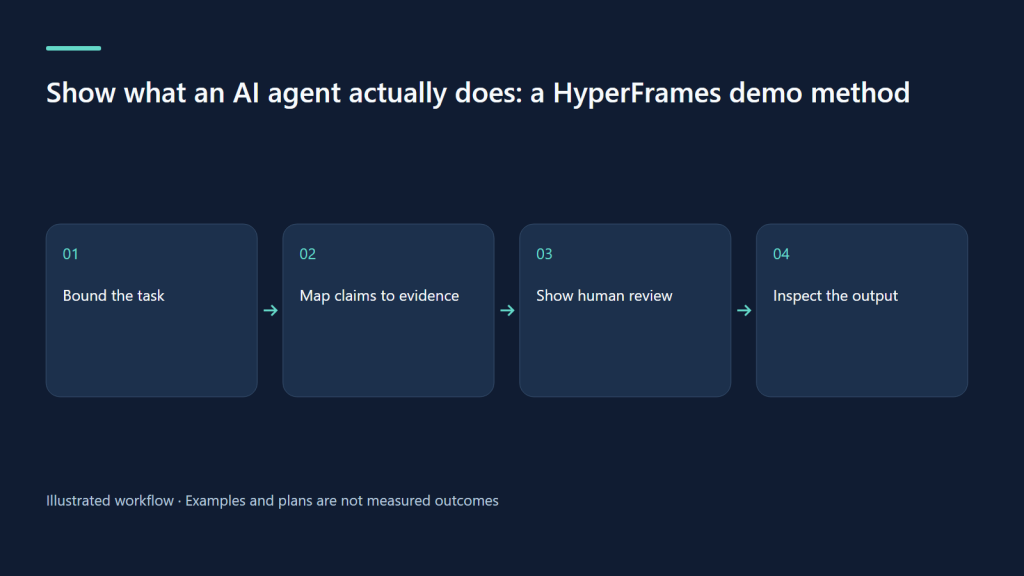
Show what an AI agent actually does: a HyperFrames demo method
Create credible agent demos by showing inputs, human decisions, execution and inspectable outputs.
On this page
A demo should let somebody inspect the claim
An AI agent video often begins with an impressive promise and ends with a completed document. The interesting part disappears between them. A useful demonstration makes the transition inspectable: what input was supplied, which decision the system proposed, where a human intervened, and what result could be checked? This is a storytelling problem before it is an animation problem. HyperFrames can organize the explanation, but its presentation should preserve the difference between an observed action and an imagined capability.
Use agentic AI as a current topic to investigate, not an automatic label of success. A polished video cannot establish autonomy, reliability, or business value. Those require evidence beyond one selected recording. Your first task is to choose one bounded workflow that a viewer can understand and scrutinize.
Why behind-the-scenes proof is a useful editorial angle
TikTok’s 2026 report forecasts interest in more candid process stories. That provides an editorial hypothesis for showing an agent’s intermediate work rather than only a victory screen. It is not proof that Vietnamese audiences rank agent demonstrations highly today. TikTok Next 2026 supplies a broad cultural frame; the demonstration must supply its own evidence.
A useful question for a software audience is whether they can reproduce the sequence or identify its dependencies. A buyer may instead need to know what happens when the input is incomplete. A colleague might care about the human review point. Choose one of these questions. A single minute cannot responsibly explain architecture, purchasing, security, onboarding, and every exception with equal depth.
Choose a workflow with a visible boundary
Consider an original scenario: an assistant turns a fictional workshop brief into a draft event page and a short promotional storyboard. The brief contains a date, venue, audience, and an unresolved accessibility detail. The agent should preserve the unresolved detail instead of manufacturing an answer. The human reviews the proposed page before anything is published. This scenario is a planning example, not a claim about an already functioning product or a completed client project.
The boundary creates the drama. Will the draft keep the uncertain field visible? Can the reviewer locate the assumptions? Does the output reflect the brief? Recording these questions is more useful than showing a generic spinning icon followed by confetti. If the prototype only simulates execution, say so prominently in the opening and alongside the simulated result.
Create a claim ledger before capturing screens
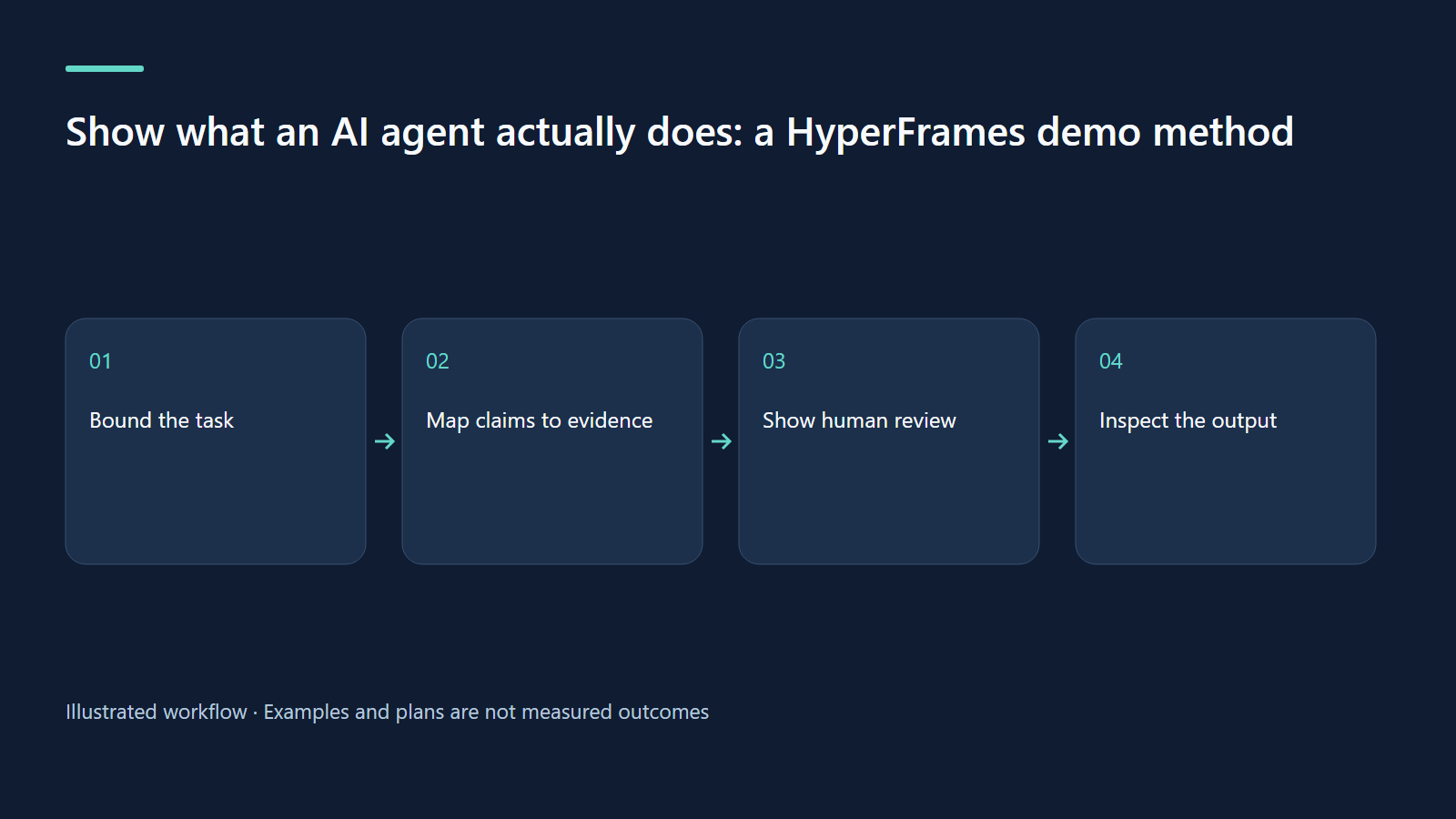
Write every statement the script could make beside the evidence needed to support it. “Creates a draft from this brief” needs a recording of that run and a resulting draft. “Works without review” would need a different and much broader evaluation; remove it if you cannot support it. “Saves an hour” requires a defined baseline and actual timing, not an editor’s estimate. Capture errors and interventions in your internal record even when the short public version cannot show every detail.
Classify assets as live recording, fixture, reconstruction, or conceptual diagram. Labels belong near the relevant visual, not only in the description. Use fictional contacts and sanitized documents. Never show access tokens, private customer details, browser autofill, or a working secret simply to make the interface seem authentic.
Route the requested deliverable correctly
Start with /hyperframes. A product or website demonstration belongs to /product-launch-video. An explanation of how agents plan and use tools, with entirely invented diagrams and no site showcase, belongs to /faceless-explainer. A GitHub pull-request walkthrough belongs to /pr-to-video when a specific code change is the input. The official repository describes these routes; mentioning AI does not itself select a workflow.
Request /hyperframes-core for composition structure, /hyperframes-keyframes when a camera move helps read a screen, and /hyperframes-audio when narration and music need mixing. Use /media-use for recording and asset operations. Before asking for a named terminal or interface treatment, consult /hyperframes-registry. The correct route keeps the story attached to the available input instead of substituting decorative diagrams for product proof.
| Time | Scene | Evidence and editorial purpose |
|---|---|---|
| 0–7s | The workshop problem | Fictional input, explicit prototype label |
| 7–18s | Read the brief | Show known fields and one uncertainty |
| 18–32s | Create a draft | Observed or labeled simulated execution |
| 32–47s | Human review | Unresolved field remains; reviewer decides |
| 47–60s | Inspect output | Draft versus publication; limitations and next step |
A prompt you can adapt
Using /hyperframes and /product-launch-video, plan a 60-second demonstration of a prototype assistant turning a fictional workshop brief into a draft event page. Keep the unresolved accessibility field visible and show a human review before publication. Use only supplied evidence; label fixtures and reconstructed screens. Do not claim autonomy, reliability or time savings. Draft narration and the scene table first. Use /hyperframes-keyframes only to improve screen readability, /media-use for recordings and /hyperframes-cli for checks. Produce separate Vietnamese and English versions. Keep all credentials and private data out of the footage.
Make the human checkpoint a scene
The proposed sixty-second sequence reserves meaningful time for review. Show the uncertain accessibility field, the proposed wording, and the human’s choice to leave it unresolved. This is not an interruption to hide. It explains who owns the decision. Use a small on-screen label to distinguish draft creation from external publication. If the product later includes automatic publishing, that needs its own explicit demonstration and evidence.
Avoid speeding up a critical step until it becomes unreadable. You can compress loading time with a visible note, but keep the inputs and output stable long enough to inspect. A restrained camera move can emphasize a field; it should not conceal surrounding context that changes its meaning.
A real example with an explicitly limited claim
The Be Vui Học Studio walkthrough and project page provide related UI storytelling examples. Three existing narrated fixture clips have been verified at 1920×1080, with durations of 28.1, 27.3, and 33.4 seconds. They demonstrate mock AI and YouTube interactions; they do not show a real YouTube upload. That distinction is essential when reusing the sample as a teaching reference.
Watch the first fixture clip, second fixture clip, and third fixture clip as interface demonstrations. Their resolution and duration describe media files, not model accuracy, production speed, or customer outcomes.
Failures that make agent demos misleading
A common failure is narration that says “the agent completed the task” while the screen shows only a draft. Replace the verb with the action visible on screen. Another is reconstructing an interface without labeling the reconstruction. Add a persistent, readable label and explain what remains untested. A third is presenting a single successful run as proof of reliability. Keep the claim local to this example and describe known limitations.
Editing can also create false continuity. If several recordings are combined, note the cuts when they affect the interpretation. Do not imply that a manually supplied output emerged from the agent. Keep a source map linking every shot to its recording and state. This gives reviewers a practical way to detect accidental exaggeration before viewers encounter it.
Evaluate understanding before promotional performance
Ask unfamiliar reviewers four questions after watching: what was the input, what did the agent do, what did the human decide, and what remained unverified? A viewer who answers all four has understood the essential boundary. Collect their wording rather than scoring only whether they liked the video. Revise any scene that causes viewers to infer a capability the demonstration never establishes.
For a public experiment, compare two openings while keeping the workflow evidence identical: one leads with the user problem, the other with the human checkpoint. Track meaningful questions and qualified next-step actions alongside retention. No single metric proves trust. A successful-looking clip that produces many mistaken assumptions needs correction even if its watch time is strong.
Exercises for a more honest demonstration
Take an existing agent pitch and underline each capability claim. For each, name the artifact or recorded event that would let another person verify it. Rewrite unsupported claims as hypotheses or remove them. Then build a storyboard containing one incomplete input, one visible intervention, and one inspectable output. Explain why the intervention exists without making the human seem like a production inconvenience.
Finally, create an alternate version for a nontechnical viewer. Replace architecture jargon with the actual decision and consequence. Keep the same evidence labels in both versions. You should be able to make the explanation simpler without making the claim larger. That is the skill this exercise develops.
Sources and research boundary
Primary sources checked on 9 October 2026, Asia/Saigon. Scenarios, timings, experiments and prompts are original editorial proposals, not published campaign results.
Continue learning
Related reading
· 7 min read
HyperFrames
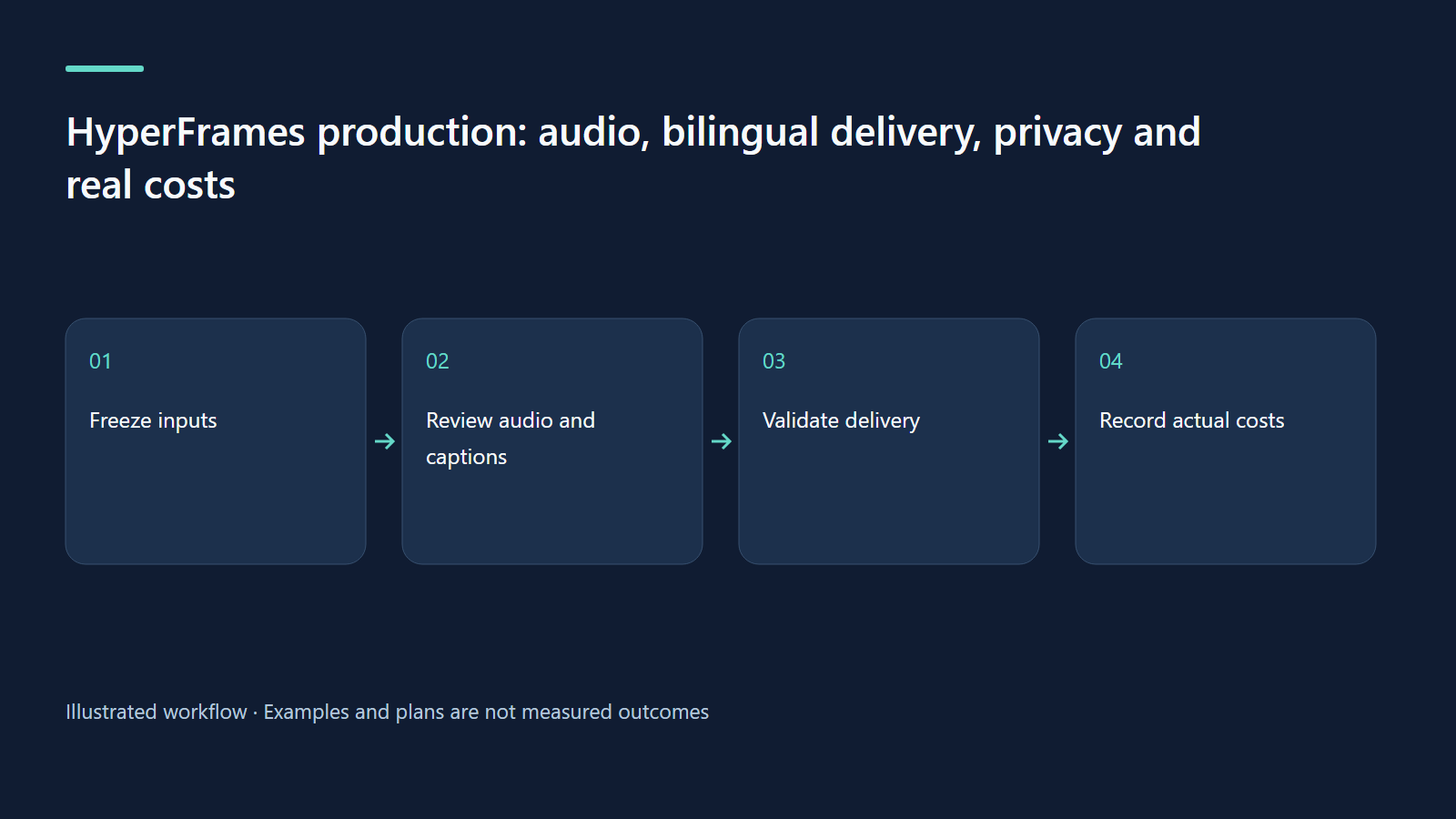
HyperFrames production: audio, bilingual delivery, privacy and real costs
Build a repeatable delivery process with audible exports, honest captions and transparent hypothetical budgeting.
Read more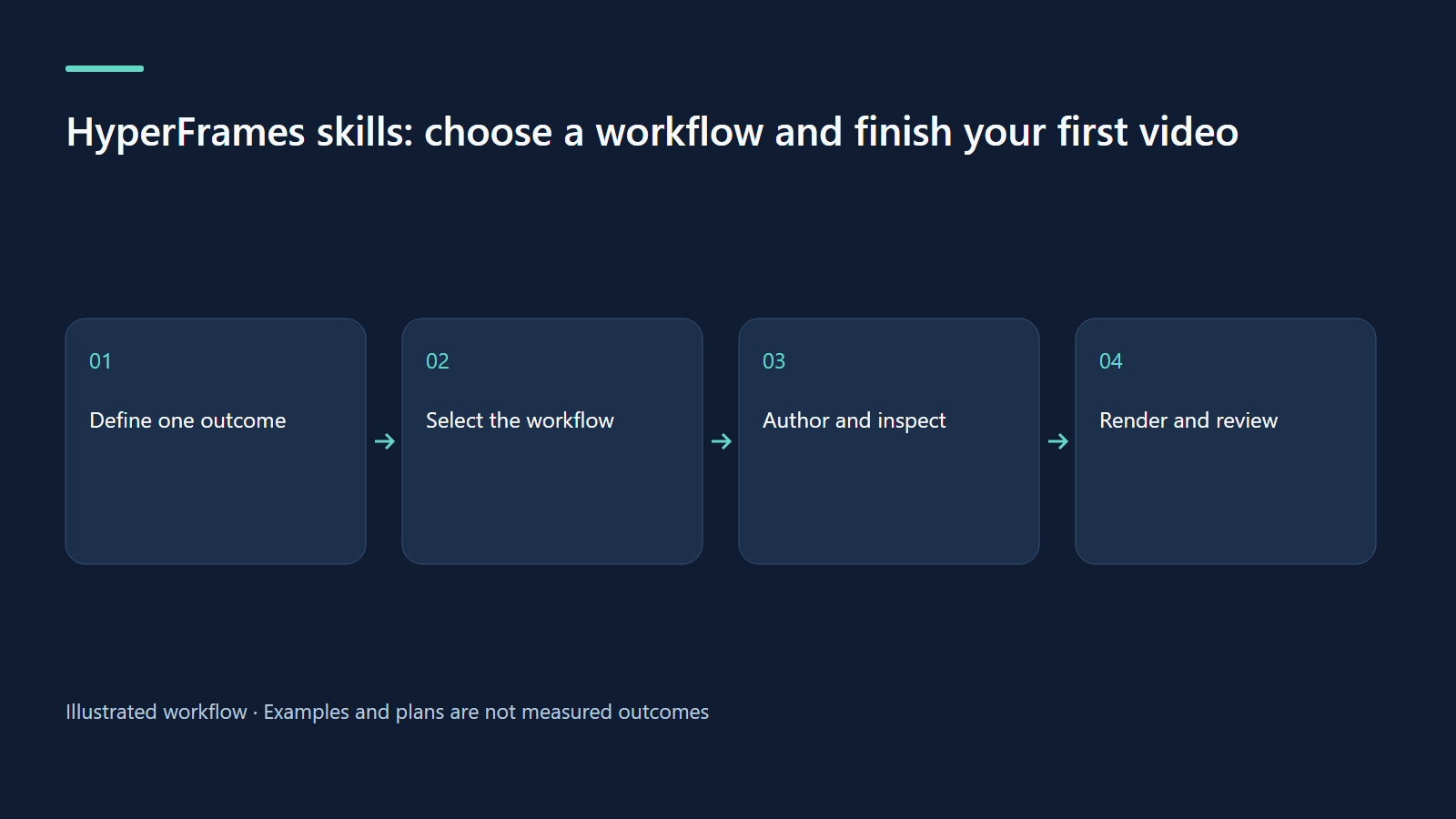
· 7 min read
HyperFrames
HyperFrames skills: choose a workflow and finish your first video
Install skills, choose the right route and deliver one checked video with an honest evidence boundary.
Read more
· 7 min read
HyperFrames
Better HyperFrames prompts: briefs, storyboards and visible evidence
Turn a broad idea into a precise brief, timed scenes and reviewable claims using an approval-workflow concept.
Read more
Discussion
Comments are reviewed before publication. Your email is kept private.