
JOURNAL
Better HyperFrames prompts: briefs, storyboards and visible evidence
Turn a broad idea into a precise brief, timed scenes and reviewable claims using an approval-workflow concept.
On this page
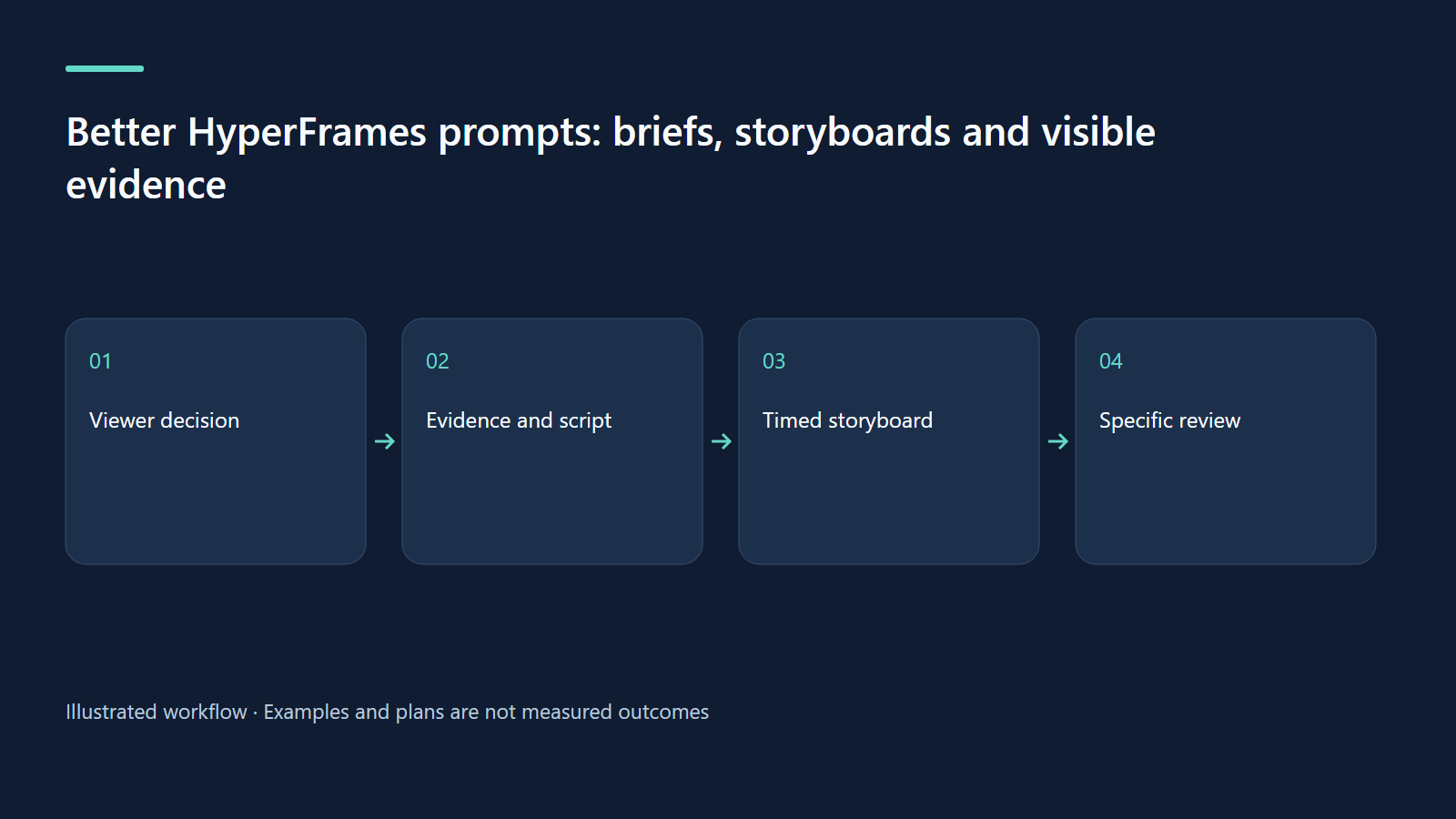
The expensive part of an AI-assisted video is often deciding what it should mean. A good brief turns a loose idea into an editable, testable story; a storyboard makes the remaining decisions visible before rendering.
Replace a broad topic with a viewer decision
“Make a modern video about AI” leaves the agent to choose the audience, promise, facts, visual style and ending. Every revision can therefore become a different film. Replace the topic with a decision: “Help a small shop owner understand why an AI assistant should ask for approval before issuing a refund.” This is still about AI, but it now has a concrete viewer and a useful consequence.
Write the intended outcome in plain language. A viewer should be able to explain when the assistant stops, who approves the action and what happens after a rejection. That sentence is your acceptance criterion. A dramatic robot animation may be attractive, yet it does not help if the approval boundary never appears. Evaluate proposed effects against the outcome rather than against a vague feeling of modernity.
Separate facts, examples and visual material
Keep an evidence inventory beside the brief. For a product demonstration, list actual interface states, permitted sample records and features that are not implemented. For a concept explainer, list checked facts and explicitly synthetic scenarios. A screenshot is evidence of a displayed state; it is not evidence that a downstream transaction completed. A staged approval example should not be presented as an audit of a production customer account.
Our worked exercise uses a fictional shop and a proposed refund of 120,000 VND. The figure exists only to make the decision legible. It is neither client data nor a policy recommendation. A concept video can show a schematic request, approval and receipt. If you want to claim that your real app performs those steps, supply source-backed captures and route it as a product walkthrough instead.
Use six prompt fields that remove avoidable ambiguity
The official prompt anatomy describes explicit route, specification, beats, visible copy, technique and constraints. The table below adapts that structure into a practical review form. The values are our own proposed brief, not copied marketing text.
| Field | Value for the exercise | What it prevents |
|---|---|---|
| Route | Topic explainer with invented diagrams | A pretend capture of an application |
| Specification | About 45 seconds, 1920×1080, English narration | Wrong canvas or excessive narration |
| Beats | Request, proposed action, approval boundary, outcome | A feature list with no causal sequence |
| Visible copy | “Proposed”, “Needs approval”, “Approved”, “Recorded” | Accidental claims that execution already happened |
| Technique | One diagram with a clear changing state | Unrelated transitions that hide the mechanism |
| Constraints | Synthetic data, no real customer identifiers | Privacy leaks or fabricated product evidence |
Use exact copy for labels whose meaning matters. “Approved” and “Completed” describe different states. Allow the agent to improve explanatory phrasing, but make it preserve the decision boundary. If a visual technique is not necessary to understand the mechanism, leave it open rather than dictating ten effects that compete for attention.
Give the agent a complete original prompt
/hyperframes Make an approximately 45-second concept explainer for small-shop
owners: an AI assistant proposes a refund, but an adult operator approves before
execution. Use fictional order DEMO-104 and an illustrative 120,000 VND amount.
This is a concept storyboard, not a demonstration of a running product.
Landscape 1920x1080. Calm English narration, captions, cream background and
one teal accent. Use a request → proposed action → approval → receipt diagram.
Keep “Proposed”, “Needs approval”, “Approved”, and “Recorded” as separate states.
Also show one rejected branch with no refund execution. Do not display a real
customer, bank, token, or invented performance saving. Let narration determine
the final duration. Present the storyboard and mark all synthetic content.
The prompt does not request software to issue a refund. It requests a film about a fictional process. That difference should remain visible in the brief and the output. Keep high-impact real actions outside a content-generation task, and avoid giving the agent production credentials merely to obtain a convincing screenshot.
Build a storyboard around causal evidence
| Approximate window | Visual state | Spoken purpose | Review question |
|---|---|---|---|
| 0–7 seconds | A fictional request enters | Name the viewer’s problem | Is the situation understandable without jargon? |
| 7–18 seconds | A proposed refund appears | Distinguish a proposal from execution | Could anyone mistake this for a completed transaction? |
| 18–30 seconds | The approval boundary pauses the action | Show who decides | Does the pause read as an intentional gate? |
| 30–39 seconds | Approved and rejected branches diverge | Explain both possible outcomes | Does rejection visibly prevent execution? |
| 39–45 seconds | A simple receipt closes the approved path | Recap accountability | Is the receipt clearly illustrative? |
Do not reveal every state at the opening. The viewer should see a relationship develop when the narration names it. Keep the same request object through the sequence so they do not have to re-identify it after every cut. A readable hold at the approval boundary is more valuable than a fast camera move that conceals the pause.
Design for the destination rather than resizing the master
A landscape diagram can show two branches side by side. A vertical adaptation may need to introduce the approved branch first and then replace it with the rejected branch. Simply cropping the landscape render can remove the operator or the receipt and therefore change the explanation. Record the aspect ratio as a storytelling decision, not just an export flag.
Caption space belongs in the storyboard. Keep a diagram label out of the same band that subtitles will occupy. On a small screen, test whether the state name remains readable without pausing. If the audience has to zoom into a dense screenshot to find the essential fact, use a truthful crop or split the explanation; do not invent a simplified interface and claim it is the original product.
Let real narration revise the estimates
The media and audio guide connects visual reveals with narration timing. An estimated storyboard window is not a word-level timing file. Generate or record the approved narration, listen to it, and align the key reveal with the spoken idea. A voice reading a long technical term needs different space from a short state label.
Decide how much text should be visible at once. Captions repeat speech for access; diagram labels locate concepts. Writing the complete narrated paragraph inside every scene produces two competing reading tasks. For the exercise, the diagram can carry four brief state labels while the voice explains why the operator matters. If the film must work silently, provide a separately reviewed captioned version rather than assuming decorative labels tell the whole story.
Ask for revisions with a location and a reason
A useful revision is “In scene three, hold the approval state until the operator’s decision is spoken; the current transition implies automatic execution.” A weak revision is “Make it more premium.” The first identifies a problem that can be fixed without rewriting the whole film. Give a frame identifier or a time range, describe the misleading impression, and state the desired behavior.
Keep a change log for material corrections: version two separates approval from completion; version three changes the fictional amount label; version four improves caption contrast. This lets reviewers understand which evidence became more trustworthy. Avoid repeatedly generating entirely new scripts just because one label is too small.
Measure whether the explanation works
For a proposed small test, show the film to five suitable viewers and ask them to describe what happens after rejection. Record responses verbatim without coaching them. Five viewers do not establish population-level effectiveness, but a recurring misunderstanding can expose a defect cheaply. Do not report the exercise as completed unless you actually run it.
A published explainer may also be assessed through retention and downstream questions. Those signals require context: a viewer leaving after learning the answer may have succeeded, while a full watch can still end in confusion. Combine viewing data with a task question. “Could they explain the boundary?” is more useful than choosing a generic percentage target that has never been validated for this audience.
Keep a reusable brief kit, not a generic script
Save the outcome sentence, fact inventory, asset list, scene table, exact labels and acceptance questions. Reuse this structure for a travel checklist, a family lesson or an onboarding procedure, but rewrite the evidence and story for the new subject. The storyboard documentation is useful when formalizing that review artifact.
Your final exercise is to choose a daily decision and fill the six fields without rendering. Ask another person to read only the scene table. If they cannot state what changes from beginning to end, refine the story before producing assets. A clear brief reduces expensive ambiguity; it does not remove the need to review facts, rights, voice and the delivered file.
Continue learning
Related reading
· 7 min read
HyperFrames
HyperFrames skills: choose a workflow and finish your first video
Install skills, choose the right route and deliver one checked video with an honest evidence boundary.
Read more
· 7 min read
HyperFrames
From cultural signals to useful video ideas with HyperFrames
Build a research habit that turns current cultural signals into specific, testable video briefs.
Read more
· 7 min read
HyperFrames
Show what an AI agent actually does: a HyperFrames demo method
Create credible agent demos by showing inputs, human decisions, execution and inspectable outputs.
Read more
Discussion
Comments are reviewed before publication. Your email is kept private.