
JOURNAL
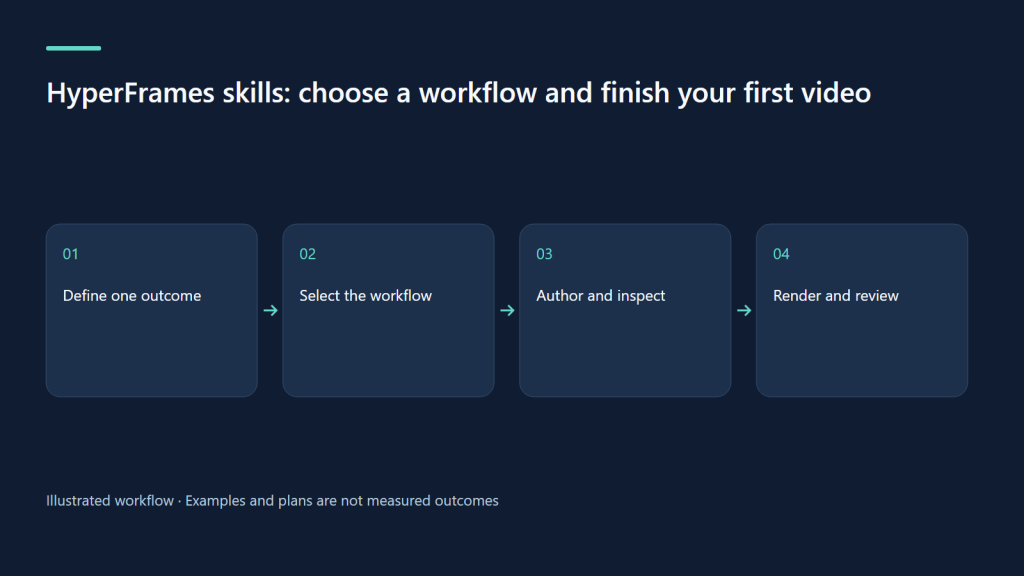
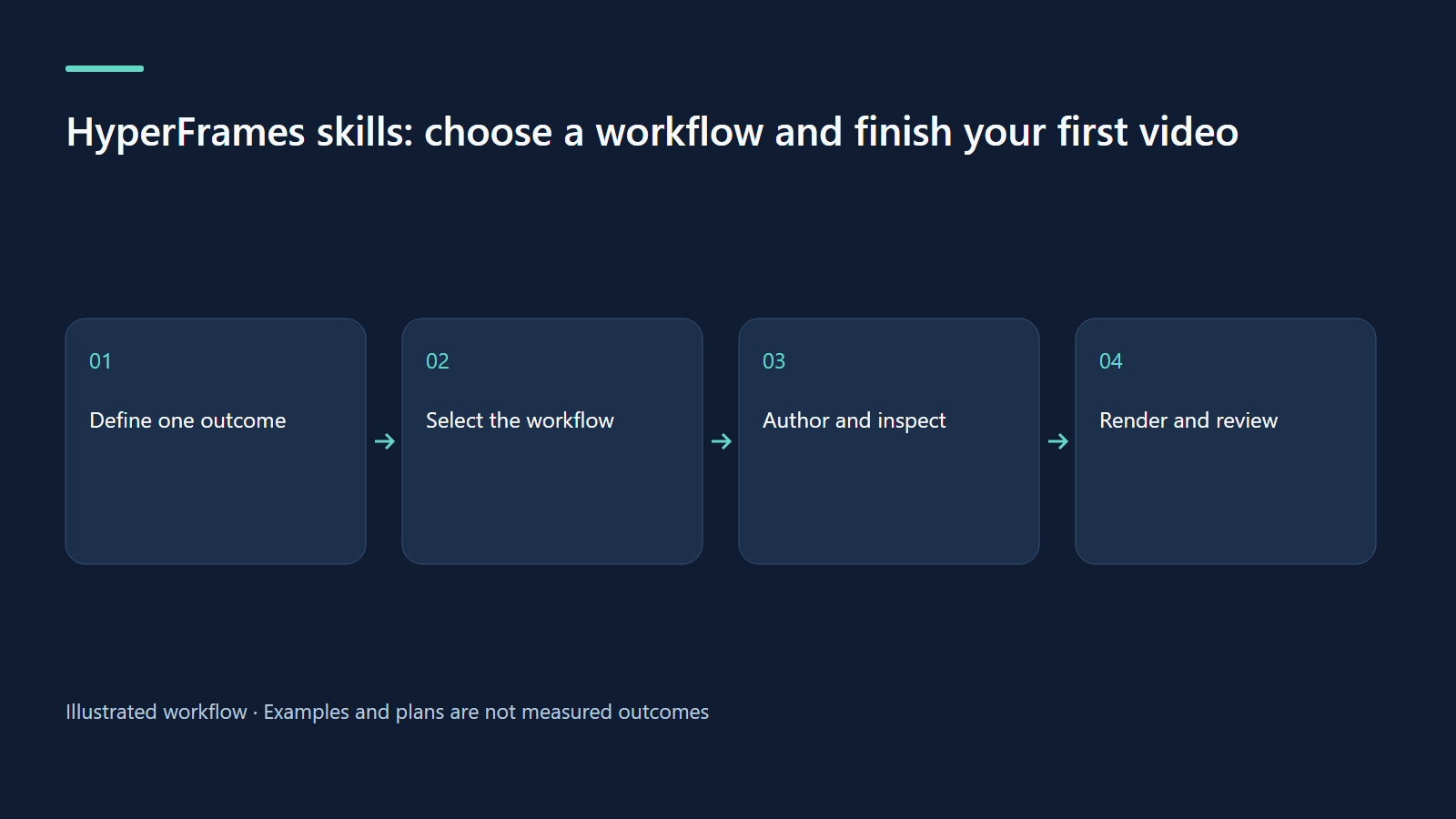
HyperFrames skills: choose a workflow and finish your first video
Install skills, choose the right route and deliver one checked video with an honest evidence boundary.
On this page
A useful first video starts with a small audience problem, a clear brief and a reviewable project. This guide explains what HyperFrames skills actually do, how to install them, and how to finish one video without confusing an AI prompt with a shell command.
Understand the boundary between the agent and the renderer
HyperFrames is a video composition and rendering framework built around web technology. The coding agent authors the project; skills tell that agent how to plan, choose a workflow and respect the composition contract. The renderer then produces a video from the composition. This is a different job from a generative footage model that invents a photorealistic scene from a text prompt. You can include generated footage, but it is one input asset rather than the whole architecture. The official repository documents the framework and packages.
That distinction is useful in ordinary life. A tutor can animate a diagram, a shop owner can explain a product using real photographs, and a developer can demonstrate a real application. Text, layout and timing remain editable. It does not mean that every subject should become a motion graphic: a cooking technique may need your actual hands, and a personal story may work best as a sincere recording. Choose the evidence before choosing an effect.
Choose one outcome for the first attempt
Use a sentence such as “After watching, a parent can find the bilingual script editor” rather than “Explain all our features.” A 30-second video has room for a compact transformation, not an entire manual. Identify the viewer, the action they should understand, and the one thing that must be visible to make that action credible. Decide whether the deliverable is a website embed, a vertical social clip or an interactive presentation.
For this series, our proposed first exercise is a short explanation of a learning goal: count three apples, then ask one question. The outcome is recognition of a small set, not growth of a children’s channel. Write the answer and the visible objects before asking for animation. If the lesson contains the wrong number of objects, polished motion cannot repair the educational mistake.
Install the skills and inspect the environment
The official quickstart describes installing skills in a coding-agent environment. On 9 October 2026 we checked CLI version 0.8.143 and its help output; that package declares Node.js 22 or newer. The commands below are a reproducible recipe for that version, not a claim that a new lesson was rendered during this research. Run shell commands in a terminal and paste slash-skill prompts into the agent chat.
# Terminal: install the skill package using its official repository
npx skills add heygen-com/hyperframes

# Terminal: inspect the installed CLI and skill status
npx hyperframes --version
npx hyperframes skills check

# Terminal: install or refresh the chosen authoring workflow
npx hyperframes skills update faceless-explainer

# Terminal: inspect providers before promising narration
npx hyperframes auth status
If your agent already has the HyperFrames plugin, follow its bundled launcher and instructions rather than creating a second competing installation. Restart the agent session if it cannot see newly installed skills. Keep a record of the CLI version and the workflow used. A future update may change commands or output; a pinned project is easier to investigate than a folder assembled from several unrecorded versions.
Select the workflow from the input you actually have
| Your material | Starting workflow | Evidence to preserve |
|---|---|---|
| A topic or teaching note | faceless-explainer | The approved explanation and source facts |
| An application or product site | product-launch-video | Actual screenshots or a truthful product brief |
| An existing speaker recording | embedded-captions or talking-head-recut | The original speech and footage |
| A real pull request | pr-to-video | The supplied change and its checked behavior |
| A music-led montage | music-to-video | A licensed track and usable personal media |
| A custom footage remix | general-video | Selected source ranges and the intended edit |
| A navigable deck | slideshow | Slide structure and navigation, not a presumed MP4 |
The prompt guide explains these different creation paths. Start with /hyperframes when the route is uncertain. A topic mentioning a company does not automatically require a product promo. Equally, a request to show a real interface should not quietly become an invented explainer that merely resembles it.
Paste a brief the agent can execute
/hyperframes Create an approximately 30-second landscape video for a parent
helping a child learn to count three apples. The takeaway is one-to-one counting.
Use three simple illustrated apples, reveal each number with the spoken count,
then ask the viewer to choose between two and three. Show the correct answer
after a short thinking pause. Use warm English narration, readable captions,
and a calm cream-and-teal design. Do not use real children's photographs,
invent learning outcomes, or add a subscription pitch. Keep the project editable.
Show the preview and identify anything that still needs adult review.
This is an original proposed exercise. It supplies the audience, goal, rough length, format, content and constraints. It deliberately leaves detailed layout to the workflow. Do not pack a five-minute script into a 30-second request and expect the agent to preserve everything. When the voice takes longer, shorten the explanation or allow a longer cut. Timing should serve comprehension.
Review the plan before reviewing the pixels
| Approximate window | Viewer sees | Reviewer checks |
|---|---|---|
| 0–5 seconds | One apple and a simple invitation | The learning goal is immediately clear |
| 5–15 seconds | Three objects counted once each | Each spoken number maps to one object |
| 15–24 seconds | A question with time to think | The answer is not revealed prematurely |
| 24–30 seconds | Correct answer and short recap | The recap reinforces the same concept |
A storyboard can catch a wrong sequence before it becomes an expensive render. Check what the viewer needs to notice in each scene and remove competing decorations. Treat “around 30 seconds” as a planning estimate until the real voice is available. If a child reviewer needs more time to answer, do not speed up the quiz merely to fit a rounded duration.
Finish inside the project directory
The agent should identify the project folder, its brief and composition. Run project commands from that folder, not from an unrelated repository root. The following finish sequence was confirmed against CLI help. Inspect snapshots and the preview before the delivery render; a passing static check alone does not prove that an image, narration track or teaching sequence is correct.
npx hyperframes lint
npx hyperframes check
npx hyperframes snapshot --at 5,15,25
npx hyperframes preview --background

# After reviewing the assembled preview:
npx hyperframes render --quality delivery --output renders/count-three.mp4
Open the final MP4 in a regular player. Listen to the beginning and ending, test captions, and view it at the size your audience will use. Retain the source project, the final media and a short review note. Delivering an MP4 without its project makes future corrections harder than they need to be.
Learn from a sample that was actually run
Our Studio walkthrough contains three completed HyperFrames clips made from actual local UI screenshots and repository fixtures. Their durations are approximately 28.1, 27.3 and 33.4 seconds. The source release used HyperFrames 0.8.140, English Kokoro narration and authored sentence-level companion cues. The Vietnamese track is a summary, not a full word-aligned translation.
We checked saved bilingual title edits through the local API and verified public playback and caption loading. AI and YouTube services were mocked; no real channel upload was performed. This evidence tells you that the captured workflow and delivery worked in that bounded test. It does not establish that every Studio job or every HyperFrames workflow will work unchanged on your machine.
Diagnose the common first-run failures
If the slash command appears unknown, inspect the skill installation and agent session before changing the video brief. If the preview is blank, examine the project’s check output and whether the composition is mounted correctly. If speech is missing, distinguish absent audio generation from an incorrectly placed audio track. If a caption step reports no usable words, choose a supported transcription route or explicitly authored cues; do not claim automatic alignment happened.
Your exercise is to complete one learning objective, not maximize the number of files. Save a short acceptance note: the fact is correct, the assets are permitted, the narration is audible, the captions are accurate for their stated purpose, the final player works, and the child-facing activity has been reviewed by an adult. That small evidence package is the foundation for every more ambitious application in this series.
Continue learning
Related reading
· 7 min read
HyperFrames
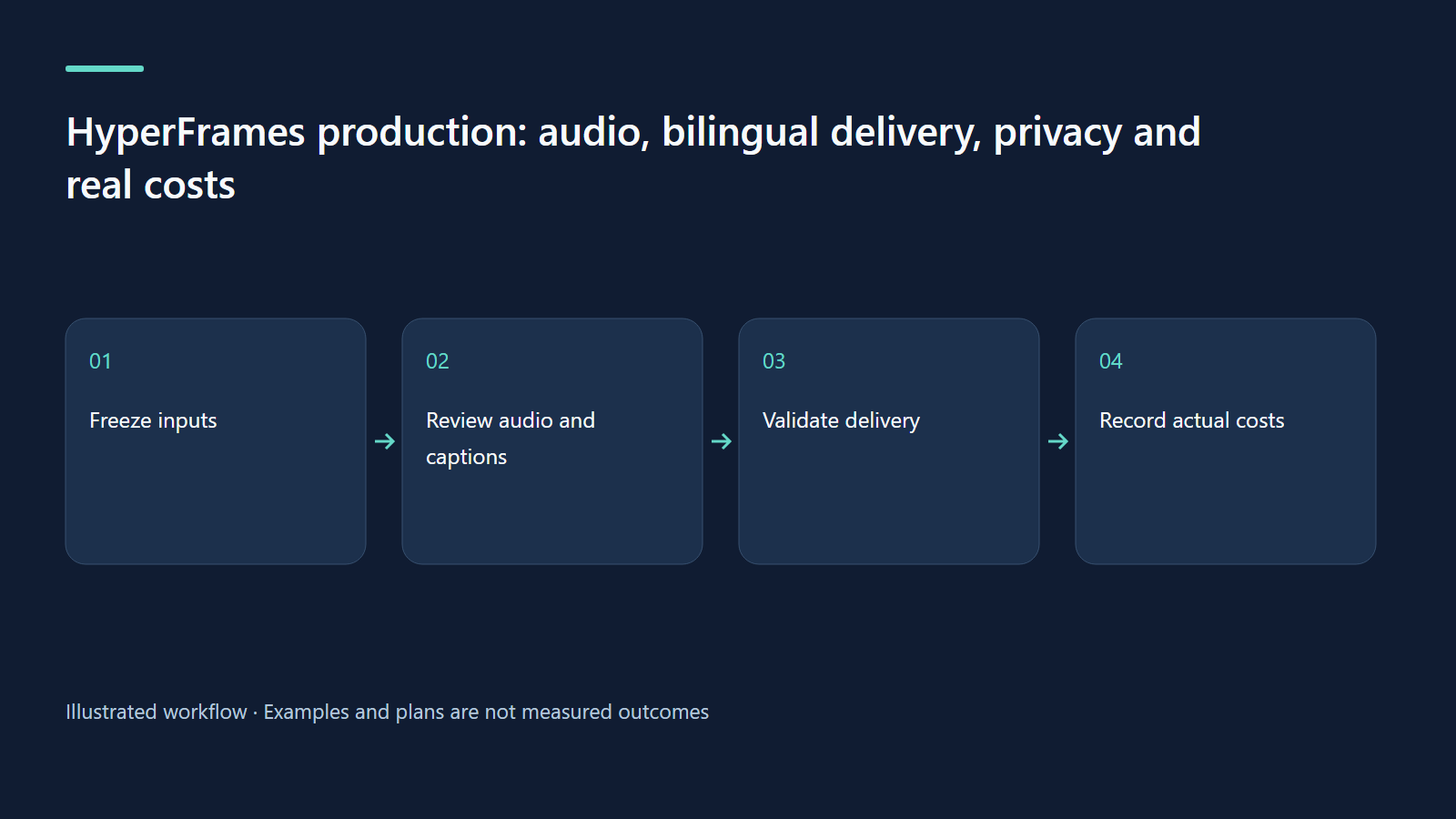
HyperFrames production: audio, bilingual delivery, privacy and real costs
Build a repeatable delivery process with audible exports, honest captions and transparent hypothetical budgeting.
Read more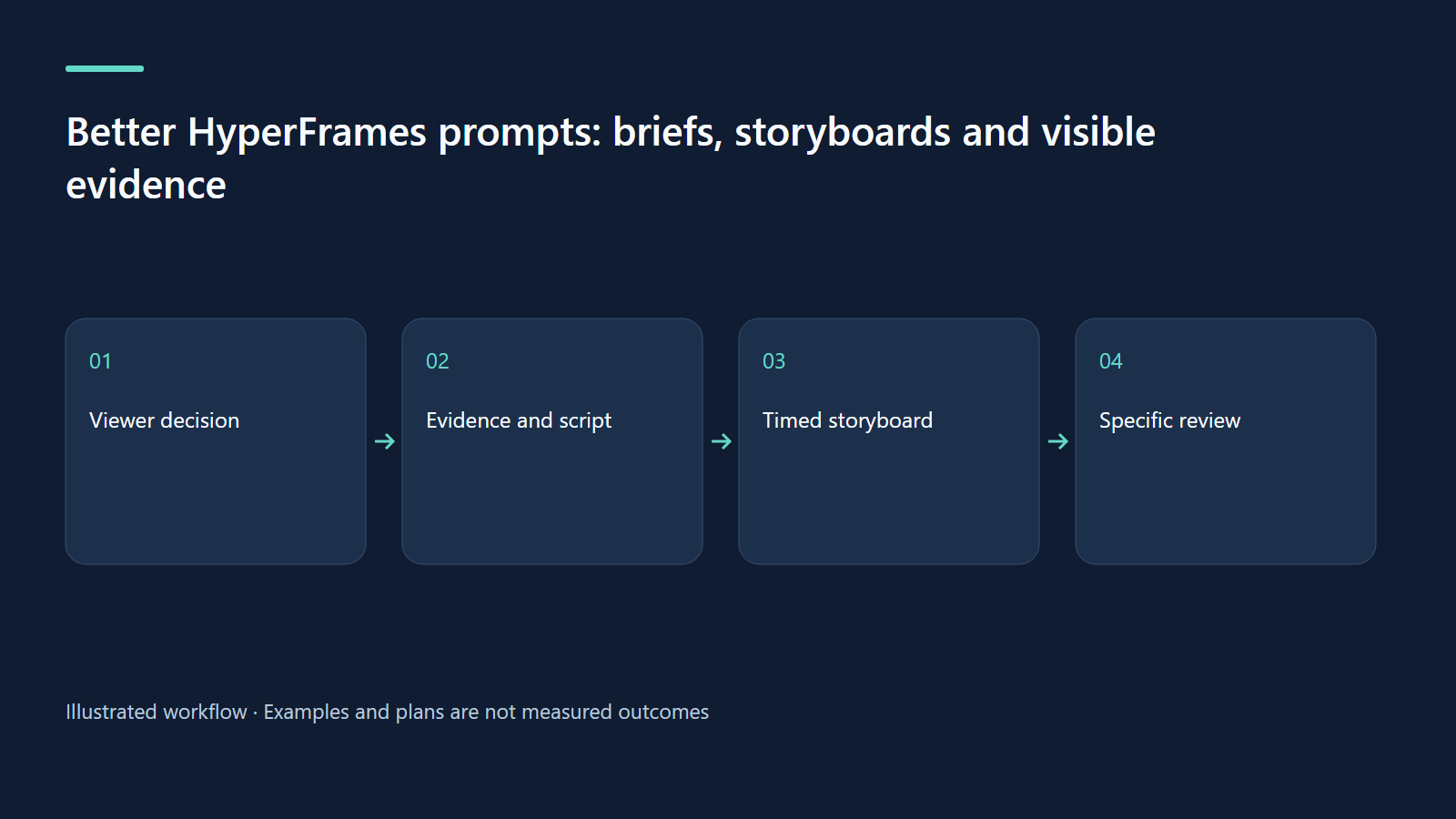
· 7 min read
HyperFrames
Better HyperFrames prompts: briefs, storyboards and visible evidence
Turn a broad idea into a precise brief, timed scenes and reviewable claims using an approval-workflow concept.
Read more
· 7 min read
HyperFrames
From cultural signals to useful video ideas with HyperFrames
Build a research habit that turns current cultural signals into specific, testable video briefs.
Read more
Discussion
Comments are reviewed before publication. Your email is kept private.