
JOURNAL
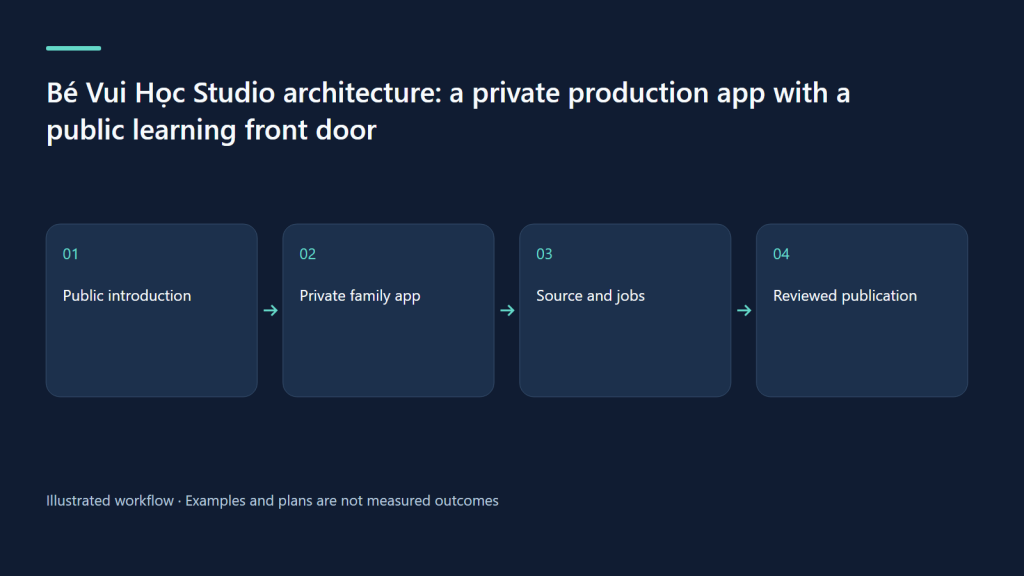
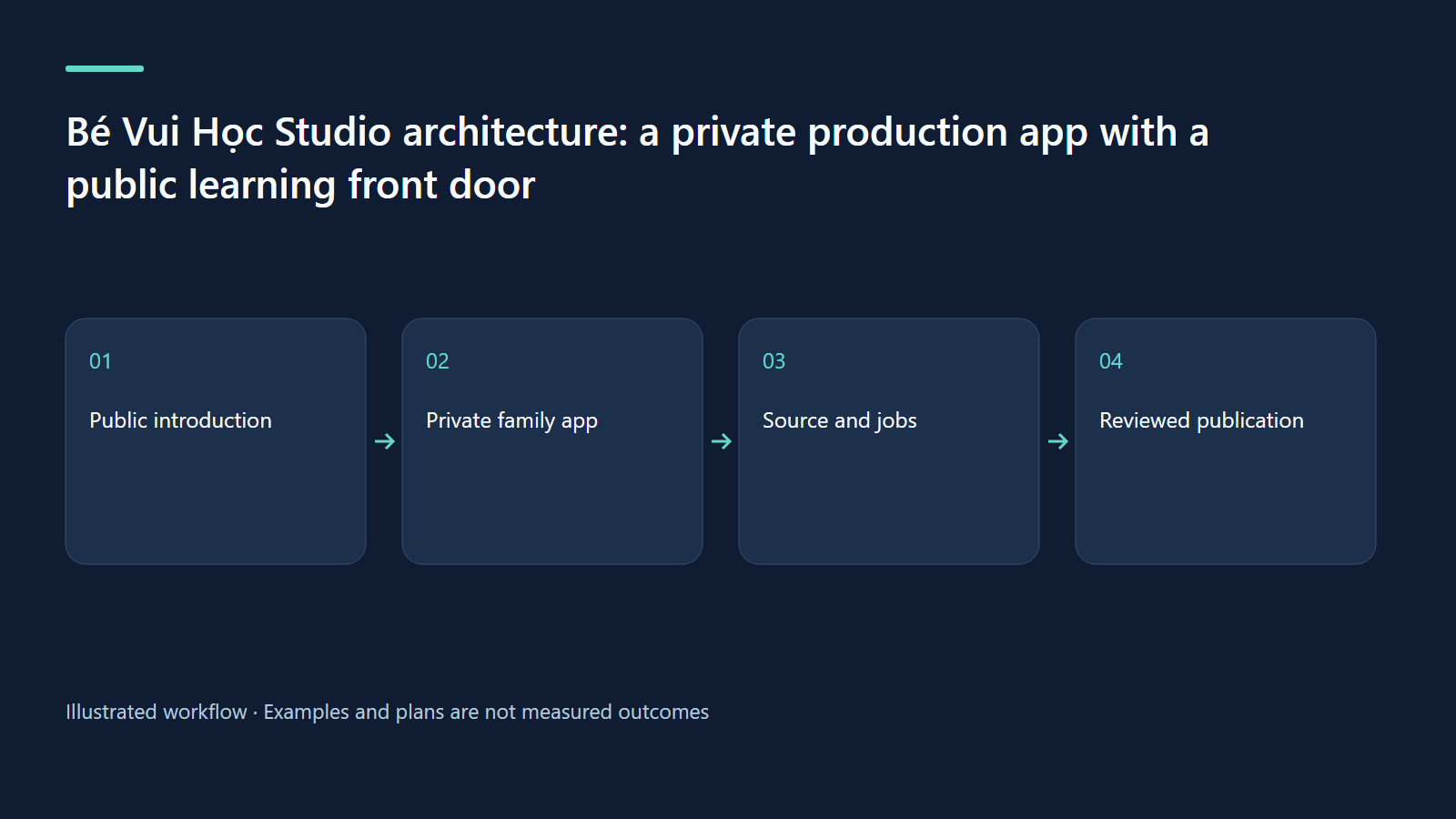
Bé Vui Học Studio architecture: a private production app with a public learning front door
A source-based case study of role boundaries, file-backed production, jobs, semantic search and host-separated publication.
On this page
A source-based case study of role boundaries, file-backed production, jobs, semantic search and host-separated publication.
Design around a family production boundary
Bé Vui Học Studio connects a browser editor to the kids-video production pipeline. Its purpose is practical: choose a topic, create a structured script, edit scenes, inspect output and let an adult manage publication. This case study describes the source reviewed on 8 October 2026, with later routing and format changes at commit 090c39f. A source inspection explains intended behavior and implemented checks; it does not establish that every authenticated screen or external publication flow has been tested live.
The key architectural separation is between a public introduction and a private family workspace. The public site at bevuihoc.luonghongthuan.com now serves the Vietnamese introduction and an English /en version. The workspace remains on studio.luonghongthuan.com behind Cloudflare Access, with the application under /studio and login under /studio/login. Public pages explain the work and lead to the YouTube channel. They are not a public editor and should not expose private family profiles or production actions.
A small stack with explicit responsibilities
The frontend uses React 19, Vite, TypeScript and Tailwind. It provides creation, library, editor, previews and job views. The Hono server runs on Node 22 and serves the built frontend plus APIs. SQLite stores application state such as profiles, jobs, ownership and review flags. Video content remains in a file-based project: videos/<slug>/video.json is the durable editable source, generated builds live under the video folder, and finished media lives in output/.
This division avoids treating the database as the only truth. The application derives production status partly from files and recorded upload data. A built badge means a build artifact exists; a rendered badge means an output file exists. Neither alone proves educational correctness or public visibility. Operators need to understand the distinction when troubleshooting stale artifacts. A source change can require rebuilding and rendering even when the library still shows an advanced stage because previous outputs remain on disk.
Roles are enforced on the server
Profile selection and PIN login establish a family role inside the private application. The child interface simplifies creative tasks, but hidden buttons are not the security boundary. Server checks reject protected child actions. Children may create, edit, duplicate, build, check, generate QA material and thumbnails. They cannot run tts, all, render or upload, manage the publication queue, delete content or administer profiles. The parent takes responsibility for resource-consuming work and external publication.
Scheduled or published videos are read-only for child editing; duplication provides a new source for revisions. The parent-review flag, shown as “Nhờ bố mẹ,” is application state rather than a field injected into the lesson JSON. This keeps workflow collaboration separate from the educational content. The source also handles login rate limiting and signed session cookies. These mechanisms deserve operational review, but their presence is not a claim that the application has passed an independent security audit.
Jobs translate UI intent into inspectable production
The job manager runs the installed Bash pipeline with validated arguments. It queues work and streams logs through server-sent events, so the browser can show progress without guessing from a spinner. Final status and logs give the reviewer a concrete outcome. The distinction between queued, running, successful, failed and canceled matters: a canceled render should not be mistaken for a finished file, and a failed upload may still need inspection of a previously completed external step.
The AI drafting path combines the mode template, references, an example and the requested topic. It parses the generated object, fixes selected fields and validates it; a repair attempt can respond to a validation error. This improves structure, not factual certainty. Human review still checks the lesson. Latest format handling queries mode capabilities: the current creation UI offers 9:16 for travel and filters unsupported targets server-side. Declaring a format in a request is not enough to make the renderer support it.
Search assists judgment rather than replacing it
The semantic sidecar uses a local EmbeddingGemma 2 text encoder for library similarity and related matching. If that service is unavailable, booting or slow, the application falls back to lexical similarity. This is a useful resilience pattern: a failed optional search component should not prevent the family from drafting a lesson. Similarity warnings help find existing work, but a high resemblance is not a factual duplicate verdict. Review the matched idea and decide whether the new episode adds a distinct learning task.
No universal speed or quality benchmark is claimed here. Deployment notes contain measurements for a particular environment, but they should not be turned into a guarantee for another machine or larger library. Memory, indexing time and query latency depend on hardware and data. Treat search as an editorial aid and monitor its health separately from the core application. The workflow must remain understandable when the fallback is active.
Public-host gating and operations
Recent source adds host-aware routing, localized metadata, canonical links, alternate-language links and a sitemap. On the public host, only explicitly allowed introduction, static and showcase paths are served; private APIs are blocked and /studio redirects to the private workspace. The private host carries noindex behavior. These controls express a sensible separation between discovery and production. The live public introduction was observed loading, while the private host presented its Access gate; authenticated end-to-end UI validation remains outside this case study.
Worked example, exercise and troubleshooting
Suppose a child duplicates a published counting video, changes one practice task and asks for review. The new source remains editable; the original stays protected. The parent reviews the source, runs narration and render, inspects QA, then decides whether to queue it. Trace that journey on paper through browser, API, SQLite, project files and pipeline jobs. For each transition, write the responsible role and durable evidence. If a build fails, inspect logs; if search fails, confirm fallback; if a public page exposes a private route, investigate host gating before any publication claim. A local health response proves service readiness only, not complete user-flow correctness.
| Layer | Responsibility | Evidence boundary |
|---|---|---|
| React frontend | Editing and preview | UI is not the permission boundary |
| Hono and SQLite | Roles, jobs and workflow state | Server decisions and stored records |
| File project and kit | Source, builds and media | Artifact existence is not approval |
| Public host | Introduction and approved showcase paths | Live intro is distinct from authenticated testing |
Sources and evidence boundary
- Latest Studio specification
- Deployment and public-host operations
- Public bilingual learning introduction
Watch the source-backed local demo
These HyperFrames clips use the actual Studio UI at source commit 238bba2, with repository fixtures. Narration is English; caption tracks provide an English transcript and Vietnamese summary. Cue timing is authored at sentence level. AI, embedding and YouTube services are simulated; no family data or real channel uploads are shown.
Review both languages together
MP4 · English transcript · Tóm tắt tiếng Việt
What was actually verified
We authenticated a fixture parent profile, opened creation, script, SEO and queue screens, edited paired titles, saved and read the saved source through the local API. Seven UI captures completed without page errors. The videos illustrate this limited workflow; the Studio render pipeline, child workflow and live YouTube upload were not exercised in this capture.
Try the same review exercise
Choose “count three apples” as the objective. Compare both titles and every scene against that objective. Save, reopen, and verify the pair. Before publication, separately check narration, the number of visible objects, quiz answers, audience settings and the final rendered file. A high internal SEO score cannot replace these checks or guarantee discovery.
Related learning paths
Related reading
08 Oct 2026 · 6 min read
AI Video
A 30-day AI video channel plan: prove a useful format before scaling
A practical month for selecting an audience, producing a small pilot, and learning without confusing output volume with audience value.
Read more
08 Oct 2026 · 6 min read
AI Video
AI video skills: build a production workflow you can inspect
A source-first workflow connects writing, bilingual narration, deterministic builds and human review.
Read more
08 Oct 2026 · 5 min read
AI Video
Publish AI video on YouTube and TikTok with a traceable review process
Match each platform, inspect the publication package, and verify the actual outcome.
Read more
Discussion
Comments are reviewed before publication. Your email is kept private.