
JOURNAL
AI video skills: build a production workflow you can inspect
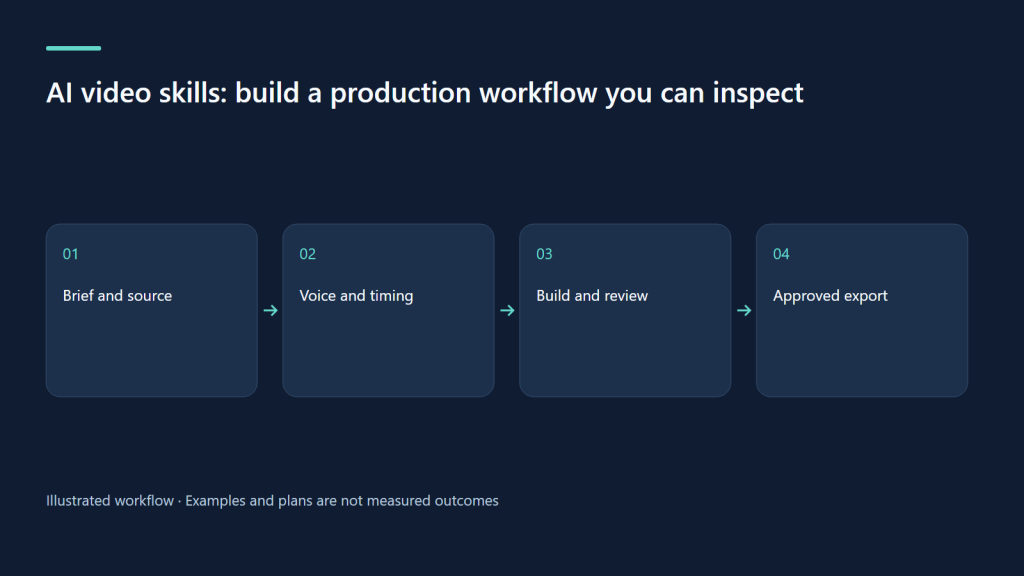
A source-first workflow connects writing, bilingual narration, deterministic builds and human review.
On this page
A source-first workflow connects writing, bilingual narration, deterministic builds and human review.
Learn the handoffs, not just the generator
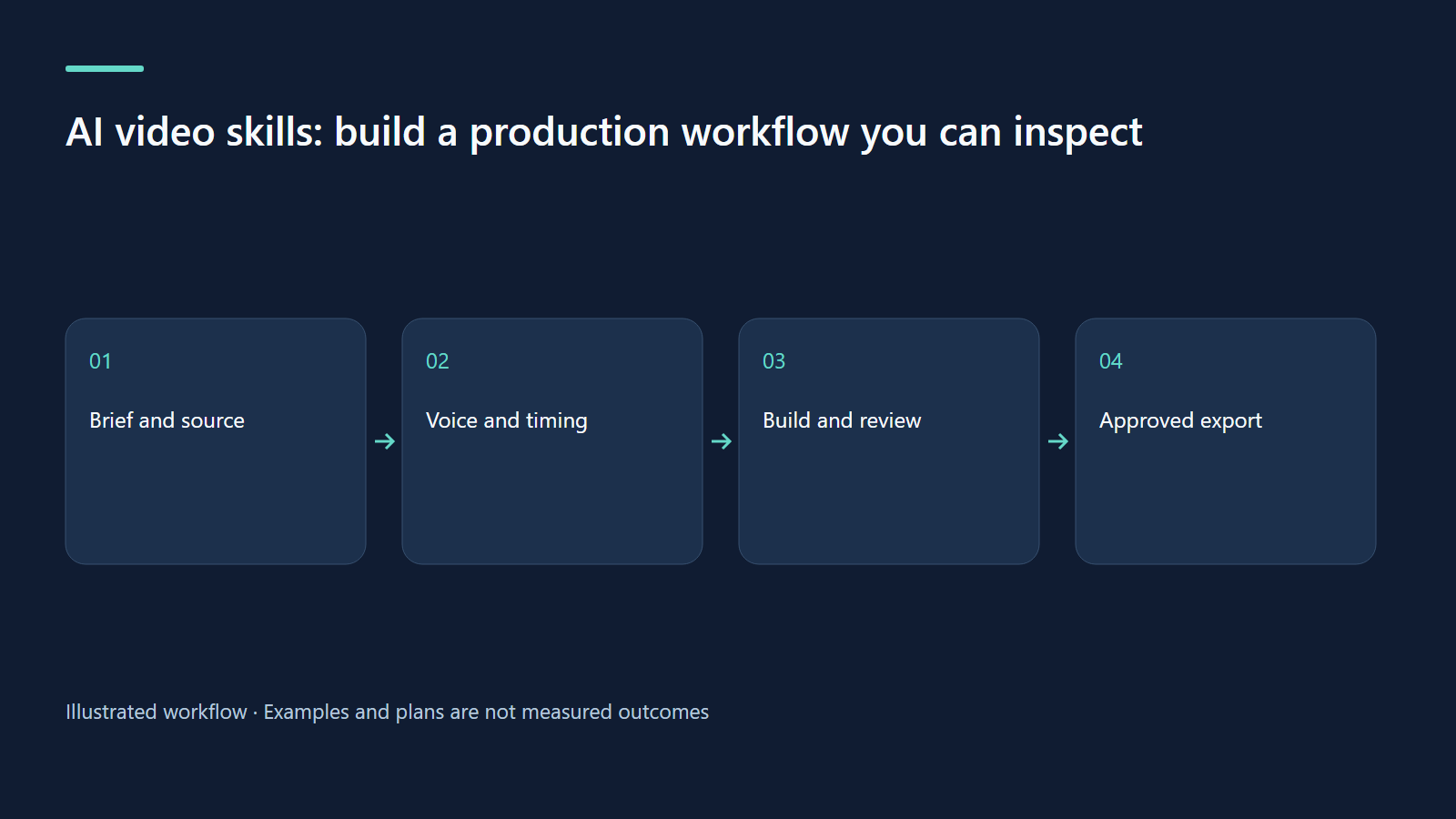
Making a useful AI video combines several skills: defining a brief, verifying information, editing narration, composing visuals, checking timing and packaging an export. The weakest handoff often determines quality. A beautiful frame cannot rescue a misleading explanation, and correct narration cannot rescue captions that obscure the object being counted. Treat the workflow as a sequence of reviewable artifacts. Each step should have an input, an output, an owner and a reason to accept or reject it.
A skill file is a reusable production guide. It can encode commands, supported schemas and review conventions, but it does not relieve the author of judgment. For children's lessons, the inspected kids-video skill specifies age bands, bilingual fields, calm visuals and adult review. Read the relevant mode reference before writing a source file. Lesson, how-to, story and travel are different structures; combining their fields at random creates fragile drafts even if an AI model says the JSON looks reasonable.
Keep one durable source of truth
One video occupies videos/<slug>/ and has a video.json. For a lesson, important top-level fields include mode, age, langs, title, say, scenes and recap. Child-facing text uses objects with vi and en entries, while a plain string can be used where both versions genuinely share the same symbol. Narration needs complete language coverage. Scene types include goal, cards, count, practice and quiz; a quiz carries question, choices, a zero-based answer, say and answerSay.
Use stable scene identifiers. They connect narration clips, subtitle files and review comments to the educational idea being changed. When a reviewer writes “the three fish scene is too fast,” an identifier makes that feedback actionable. Edit video.json and rebuild; do not patch generated HTML in build/. Generated changes disappear and create a second, undocumented version of the lesson. Keep a short change log for substantive revisions and retain the source that produced the final export.
Commands follow the source lifecycle
The shorthand kids.sh means invoking scripts/kids.sh through Bash from the installed kids-video skill directory. On Windows, use Git Bash rather than assuming PowerShell understands Bash syntax. Initialize a project once, scaffold the appropriate mode, then inspect and edit its source. The commands below are illustrative paths; SK must be assigned to the actual local skill folder. No credential or private profile belongs in a copied tutorial. Install Node 18 or newer, ffmpeg/ffprobe, Bash, curl and the configured Python speech dependencies first. Replace the illustrative SK path with the installed skill directory. This recipe was checked against the instructions; it was not executed to create a video for this article.
SK="/actual/path/to/kids-video"
kids() { bash "$SK/scripts/kids.sh" "$@"; }
kids init ./family-video
cd ./family-video
kids new . count-three lesson
kids tts videos/count-three
kids build videos/count-three
kids check videos/count-three vi
kids preview videos/count-three vi
kids render videos/count-three all
kids qa videos/count-three
kids thumb videos/count-three
kids upload videos/count-three vi --dry-run
The combined all command runs narration, build and checking, but explicit steps are easier to diagnose while learning. Render only after the preview has been reviewed. The upload dry run is a publication plan, not an upload. In the web Studio, the server prevents child profiles from running tts, all, render or upload; children can build, check, inspect QA and make thumbnails. That distinction keeps expensive and outward-facing work under adult control.
Timing is a writing problem as well as a technical problem
Lesson reveals follow sentence cues. If a scene introduces three cards, write the narration so each card has a clear sentence in the correct order. A builder warning about spreading reveals evenly is a signal to inspect the script, not a reason to trust that the animation will teach well. Listen to both languages and inspect their cue files. Vietnamese and English may need different wording to fit the same concept; the resulting videos can have different total durations.
A quiz splits the question and answer into separate planned scenes so the thinking pause is real. Verify that the answer appears after the pause and that the first answer sentence explains the correct choice. Captions should describe the current narration without competing with the main object. Check the video on a small screen as well as a desktop. Legible text at full resolution may become unusable when the exported frame is viewed on a phone.
Worked example: repairing a counting lesson
A draft says “Here are three fish, one, two, three, well done” as one long sentence. The visual expects separate counting cues. Rewrite it into a short introduction, one sentence for each count, and a sentence stating the total. Regenerate narration, rebuild both languages, inspect the subtitle cues and preview the count scene. If only the English version overruns, shorten its introduction before changing the Vietnamese timing. Then re-render so the export and generated captions describe the same build.
Exercise: create a reviewable handoff card
For each stage, write the file or view it produces and the evidence needed to accept it. The script stage needs accurate facts and complete bilingual narration. The voice stage needs understandable pronunciation and expected sentence cues. The build stage needs readable frames and correct reveal order. The export stage needs matching duration, intelligible audio and a complete adult review. Apply the card to a one-minute practice lesson. Record one rejected artifact and explain exactly how you corrected it.
Troubleshooting without random reruns
If a narration clip is absent, check the language and scene identifier before rebuilding everything. If visual changes vanish, check whether you edited generated output. If captions no longer match the MP4, regenerate and render from the same source revision. If a web job fails, read the live log and final status rather than repeatedly pressing its button. If a child gets a permission error, ask the parent to run the protected stage. The inspected workflow supports deliberate production, not unattended trust in every generated draft.
| Stage | Durable evidence | Reviewer question |
|---|---|---|
| Script | video.json | Are both narrations accurate? |
| Voice | Scene audio and subtitle cues | Do reveals have the expected sentences? |
| Build | HTML and scene plan | Is the idea visible in the right order? |
| Export | MP4, QA and thumbnail | Does the reviewed source match the output? |
Sources and evidence boundary
Watch the source-backed local demo
These HyperFrames clips use the actual Studio UI at source commit 238bba2, with repository fixtures. Narration is English; caption tracks provide an English transcript and Vietnamese summary. Cue timing is authored at sentence level. AI, embedding and YouTube services are simulated; no family data or real channel uploads are shown.
Start with a learning goal
MP4 · English transcript · Tóm tắt tiếng Việt
What was actually verified
We authenticated a fixture parent profile, opened creation, script, SEO and queue screens, edited paired titles, saved and read the saved source through the local API. Seven UI captures completed without page errors. The videos illustrate this limited workflow; the Studio render pipeline, child workflow and live YouTube upload were not exercised in this capture.
Try the same review exercise
Choose “count three apples” as the objective. Compare both titles and every scene against that objective. Save, reopen, and verify the pair. Before publication, separately check narration, the number of visible objects, quiz answers, audience settings and the final rendered file. A high internal SEO score cannot replace these checks or guarantee discovery.
Related learning paths
Related reading
08 Oct 2026 · 6 min read
AI Video
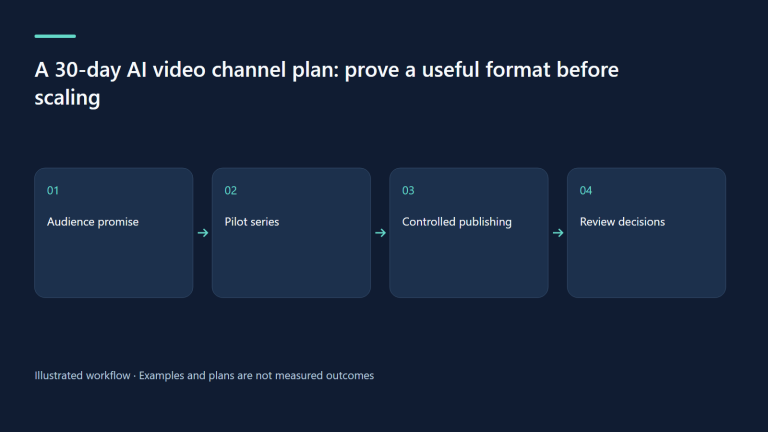
A 30-day AI video channel plan: prove a useful format before scaling
A practical month for selecting an audience, producing a small pilot, and learning without confusing output volume with audience value.
Read more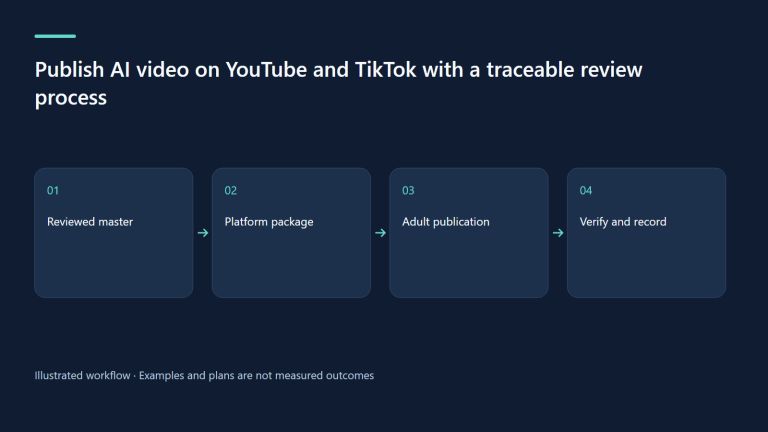
08 Oct 2026 · 5 min read
AI Video
Publish AI video on YouTube and TikTok with a traceable review process
Match each platform, inspect the publication package, and verify the actual outcome.
Read more
08 Oct 2026 · 5 min read
AI Video
AI video monetization: calculate unit economics before promising income
Count labor, retries and rights, and separate platform eligibility from real earnings.
Read more
Discussion
Comments are reviewed before publication. Your email is kept private.