
JOURNAL
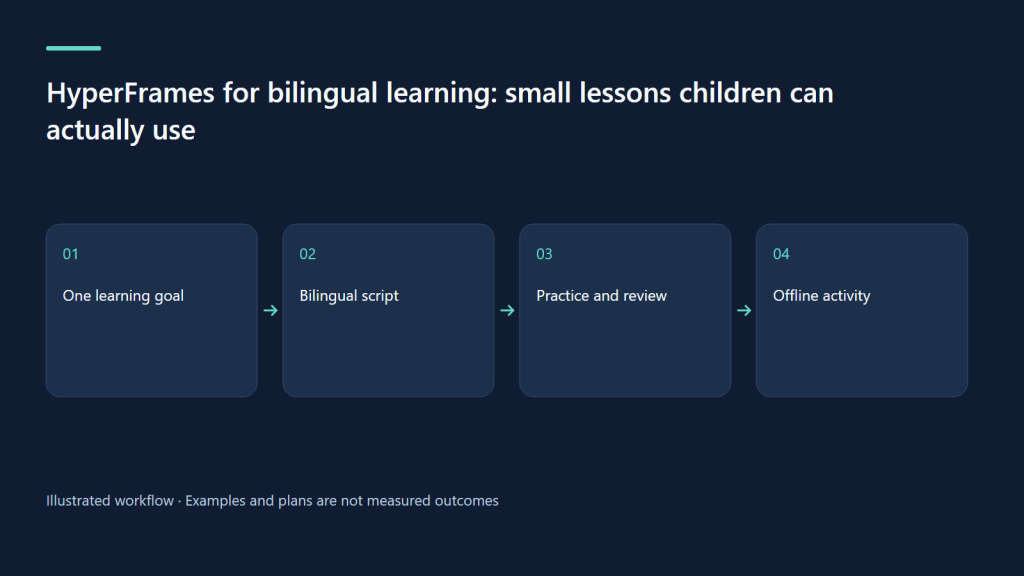
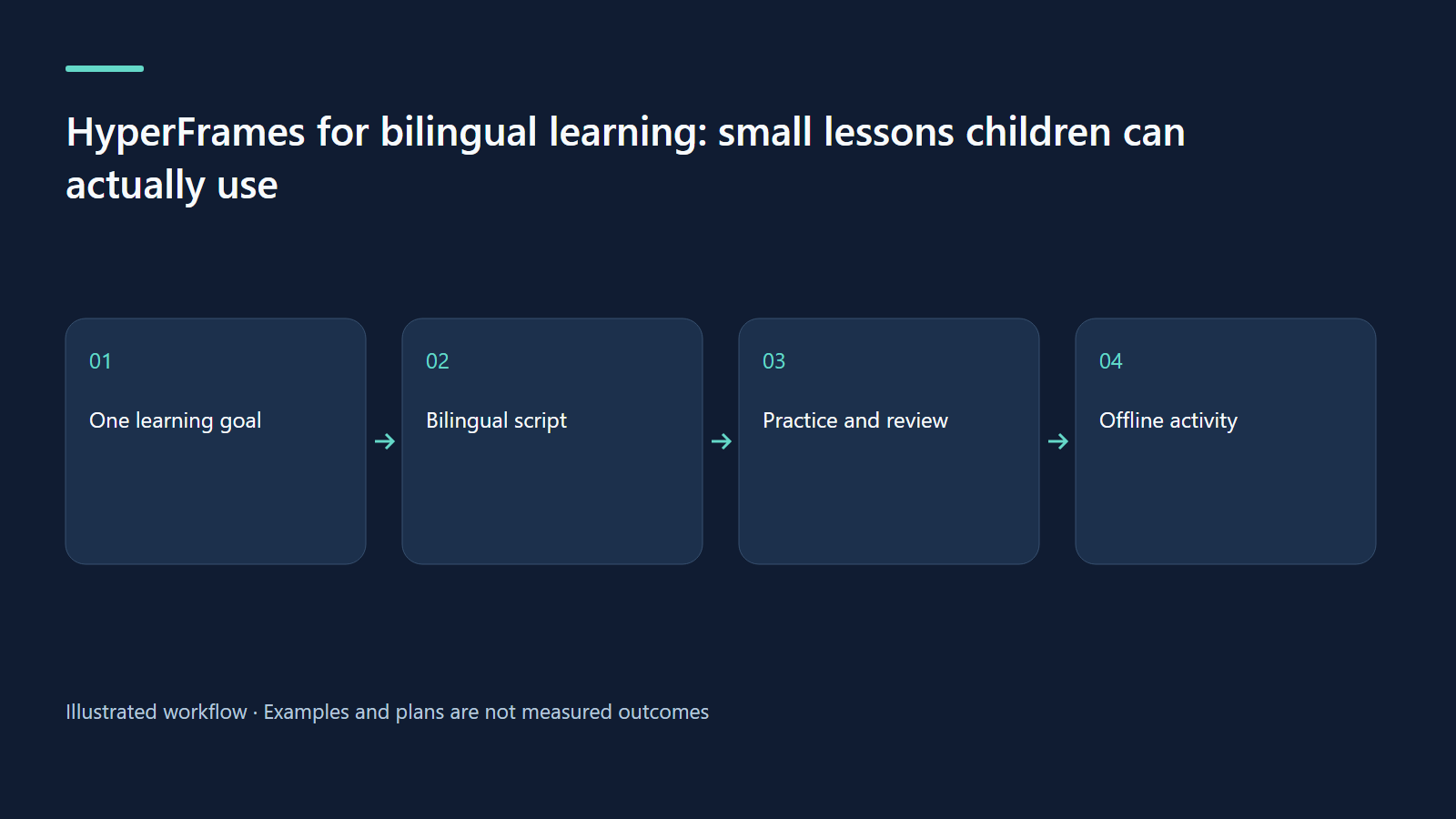
HyperFrames for bilingual learning: small lessons children can actually use
Plan a calm EN/VI lesson with practice pauses, independent language QA, and family privacy.
On this page
Start with one observable learning goal
A useful family learning film begins with something a child can do after watching. “Learn English” is too wide. “Sort three familiar objects into round and not round, then say circle / hình tròn” gives the film a clear job. A parent can place a plate, a square card, and a book on the table and continue the activity away from the screen. The video introduces the task; the conversation and hands-on attempt make the experience meaningful.
This article proposes a bilingual shape lesson for ages six to eight. It is a production recipe, not a newly rendered video or a claim of measured learning improvement. The same structure can introduce weather words, describe a plant, or tell a short story about taking turns. Avoid expanding the first attempt into a curriculum. A small topic makes language errors and confusing animation easier to detect.
Choose the workflow and understand the local extension
HyperFrames turns web-based compositions into video. For a topic explained through invented typography and diagrams, the official faceless-explainer route is a suitable starting point. It does not mean recording a website. If you need to cut real classroom footage or combine a narrated lesson with personal media, a custom general-video brief is more appropriate. Check the current official explainer guide before assigning the route.
This workspace also has a separately installed kids-video skill. Its local recipe uses bilingual content fields, lesson/story/how-to/travel modes, and separate language builds. That is the provenance of the child-oriented pipeline discussed here; it should not be presented as a feature guaranteed in every HyperFrames installation. A reader without that extension can still describe the lesson in a normal HyperFrames brief.
Plan language before timing
Make a tiny terminology sheet: circle = hình tròn; round = tròn; choose = chọn. These are related expressions with different teaching roles. An English noun question such as “Which is a circle?” should not silently become a Vietnamese adjective question with a different answer. Keep object names and answer positions consistent between versions while allowing natural sentence structure.
For the first experiment, produce separate English and Vietnamese versions. Simultaneous full sentences in both languages can crowd a small phone frame. A small vocabulary label may contain both languages, but narration and primary captions should agree. The suggested pacing is an editorial starting point, not a clinical rule: short instructions, one visible action at a time, and a deliberate response pause. Test comprehension with a supervising adult and one willing child; do not infer learning from replay counts.
A worked storyboard: find the circle
The proposed film has one demonstration and one check. Think of the timings below as planning ranges; recorded speech determines the final durations. A pause must remain quiet enough for the child to answer. An animated countdown can become a distraction, so a steady “Your turn” card is a better first test. The answer should arrive after the pause rather than being visible behind a decorative overlay.
Use a flat plate drawing rather than a photograph with patterned edges. A circle outline, a square, and a triangle should have the same visual weight so colour or size does not accidentally reveal the answer. For older children, the follow-up question can ask them to explain their choice. Keep that as a separate variant rather than adding another objective to the younger version.
| Beat | Picture and sound | Review question |
|---|---|---|
| Opening, roughly 0–6 s | One plate outline; adult voice states the goal | Can the goal be repeated in one sentence? |
| Model, 6–17 s | Circle outline traces once; “circle / hình tròn” | Do picture, word, and voice agree? |
| Practice, 17–30 s | Three shapes; one question; quiet response hold | Is the answer hidden during the pause? |
| Reveal and transfer, 30–45 s | Circle gets a gentle outline; invite finding one object | Can the activity continue without the screen? |
A prompt that gives the agent a teachable brief
The prompt below names the audience, observable goal, language outputs, and review needs. Replace the object list with items available at home. If using the local extension, tell the agent that its installed recipe is the authoring source; otherwise request an ordinary narrated composition. Do not invent a command for a skill that is absent.
Keep “approximately” in a narrated duration request. Speech in the two languages may take different lengths. A fixed shared end time can squeeze the slower version or leave an unexplained empty tail. Give the agent permission to preserve the response pause while adjusting each scene to the actual audio. Ask for a storyboard first when the lesson contains a misconception that needs careful correction.
Create a proposed HyperFrames bilingual shape lesson for ages 6–8, approximately 45 seconds per language. Goal: choose a circle among a circle, square, and triangle, then find a round object at home. Deliver separate EN and VI scripts and compositions with natural voice timing. If the installed local kids-video skill is available, read its lesson contract; otherwise use a narrated faceless explainer with invented diagrams. No real child identity or footage. Cream background, dark large text, one teal emphasis. Model once, ask one question, hold quietly for an answer, reveal gently, invite an offline activity. Keep captions aligned to each language's audio. Show a storyboard and asset/credit list before building; review pronunciation, answer timing, and phone readability. Do not publish.Gather assets without collecting child identities
A starter pack can contain three original shape drawings, an adult-approved script, a font with Vietnamese glyphs, and either an adult recording or a licensed synthetic voice. Keep a ledger with each file, its origin, permission, and credit requirement. The local kids-video recipe uses Twemoji where relevant and retains its attribution; do not remove credits simply because the output feels informal.
No child needs to supply a face, full name, school, address, or voice sample for this activity. A fictional mascot can introduce the task without impersonating a real child. If a family later wants to use personal footage, make that a separate adult-reviewed decision. Do not add subscription requests, sales language, or pressure to perform for a public audience. The child’s role is learner and participant.
Quality assurance in two languages
Read both scripts aloud before generating voices. Then compare the spoken question, displayed object, highlighted shape, and answer key scene by scene. Listen for Vietnamese tones, English plural endings, and names that a voice engine pronounces unexpectedly. Captions should represent what is actually spoken, including the chosen language, rather than being copied from the other version’s timing.
Inspect still frames where text is longest and where an answer appears. Watch the whole export on a phone at normal playback speed. A desktop preview can hide cramped captions or a missing accent. Record separate issues for meaning, pronunciation, timing, layout, and distraction. Fix the earliest cause: a long sentence should usually be rewritten before its caption is shrunk. Preserve the child’s answer pause after every revision.
Use the existing Studio evidence honestly
There is a related Bé Vui Học Studio walkthrough and a family first-film workshop. The prior Studio fixture has three narrated clips of approximately 28.1, 27.3, and 33.4 seconds, with verified English/Vietnamese web playback. That demonstrates a delivery example, not the effectiveness of this proposed shape lesson. The fixture used mocked AI/YouTube integration and no production child or family data.
If publishing family media later, an adult owns the publication decision and checks the audience, identifying details, and the child’s wishes. UNICEF’s sharenting guidance supports considering children’s privacy and perspective. A private review with relatives is a useful starting destination; privacy settings do not create an absolute guarantee.
Troubleshoot the lesson, then try one exercise
If the child answers before the question ends, the visual may be leaking the solution. If the child watches every animation but cannot identify the shape, simplify the focal object and remove unrelated motion. If one language runs faster, adjust its scene timing instead of speeding the voice to match. A black local clip in preview needs a media/codec investigation, not a new script.
The official rendering guide recommends structural and runtime checks, followed by viewing the exported file. Use that technical review alongside the learning review. Your exercise: write one question, draw three equally prominent choices, record both language versions, and test a quiet answer pause. Finish with a physical scavenger hunt for one circle. Save the two scripts and one review note before planning a second lesson.
Continue learning
Related reading
· 7 min read
HyperFrames
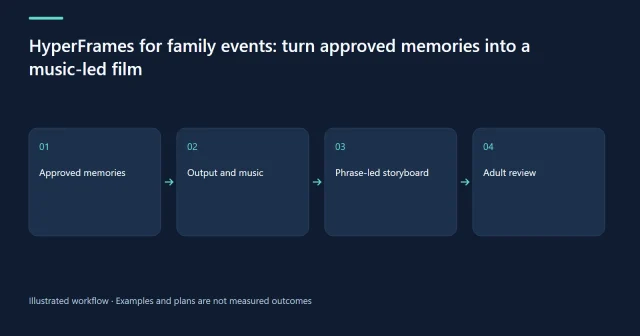
HyperFrames for family events: turn approved memories into a music-led film
Choose the right output, follow musical phrases, and keep music rights and family permissions clear.
Read more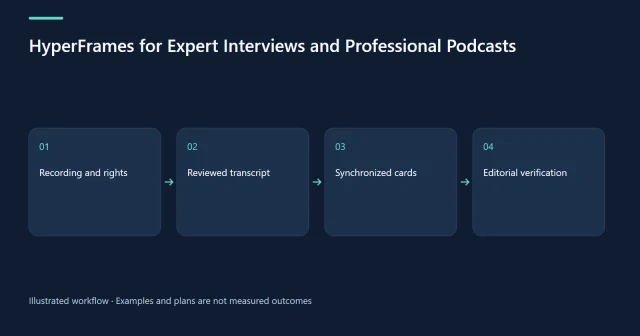
· 6 min read
HyperFrames
HyperFrames for Expert Interviews and Professional Podcasts
Package an expert interview with accurate bilingual captions, evidence-backed cards, and a practical AI-agent permissions storyboard.
Read more
· 6 min read
HyperFrames
HyperFrames for Data Stories and Public-Interest Media Literacy
Teach realistic synthetic-media verification with checked platform policy, transparent source notes, and clearly labeled synthetic data.
Read more
Discussion
Comments are reviewed before publication. Your email is kept private.