
JOURNAL
HyperFrames for Data Stories and Public-Interest Media Literacy
Teach realistic synthetic-media verification with checked platform policy, transparent source notes, and clearly labeled synthetic data.
On this page
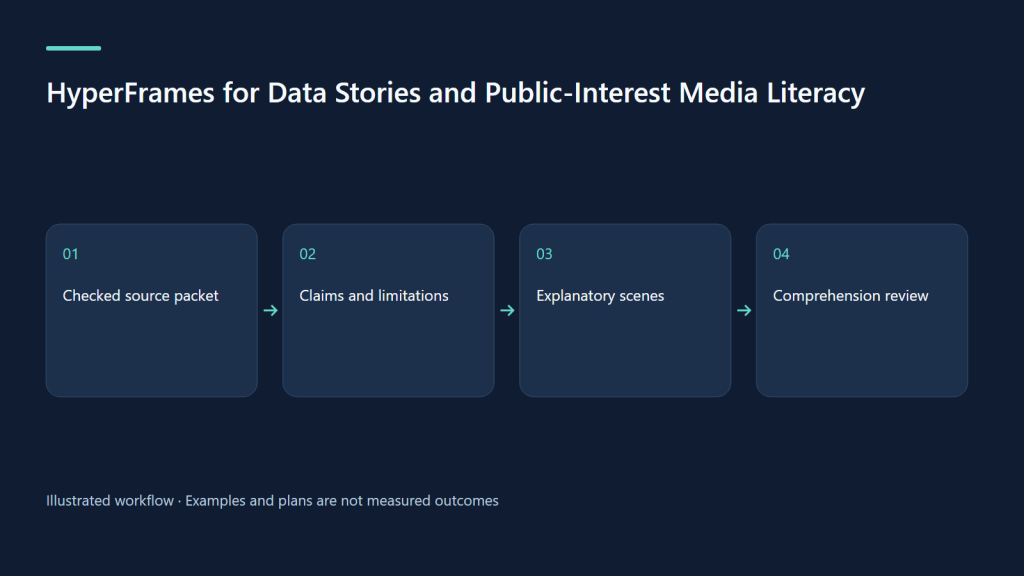
A public-interest video should help someone make a better information decision. HyperFrames can turn a checked source packet into an explainer with diagrams, labels, and a transparent correction trail. A useful contemporary example is synthetic-media literacy: how to inspect a realistic clip without treating a visual clue, a platform label, or a missing label as proof. The example below is an original proposed storyboard, not a news report or an executed production.
1. Establish the question and the limits
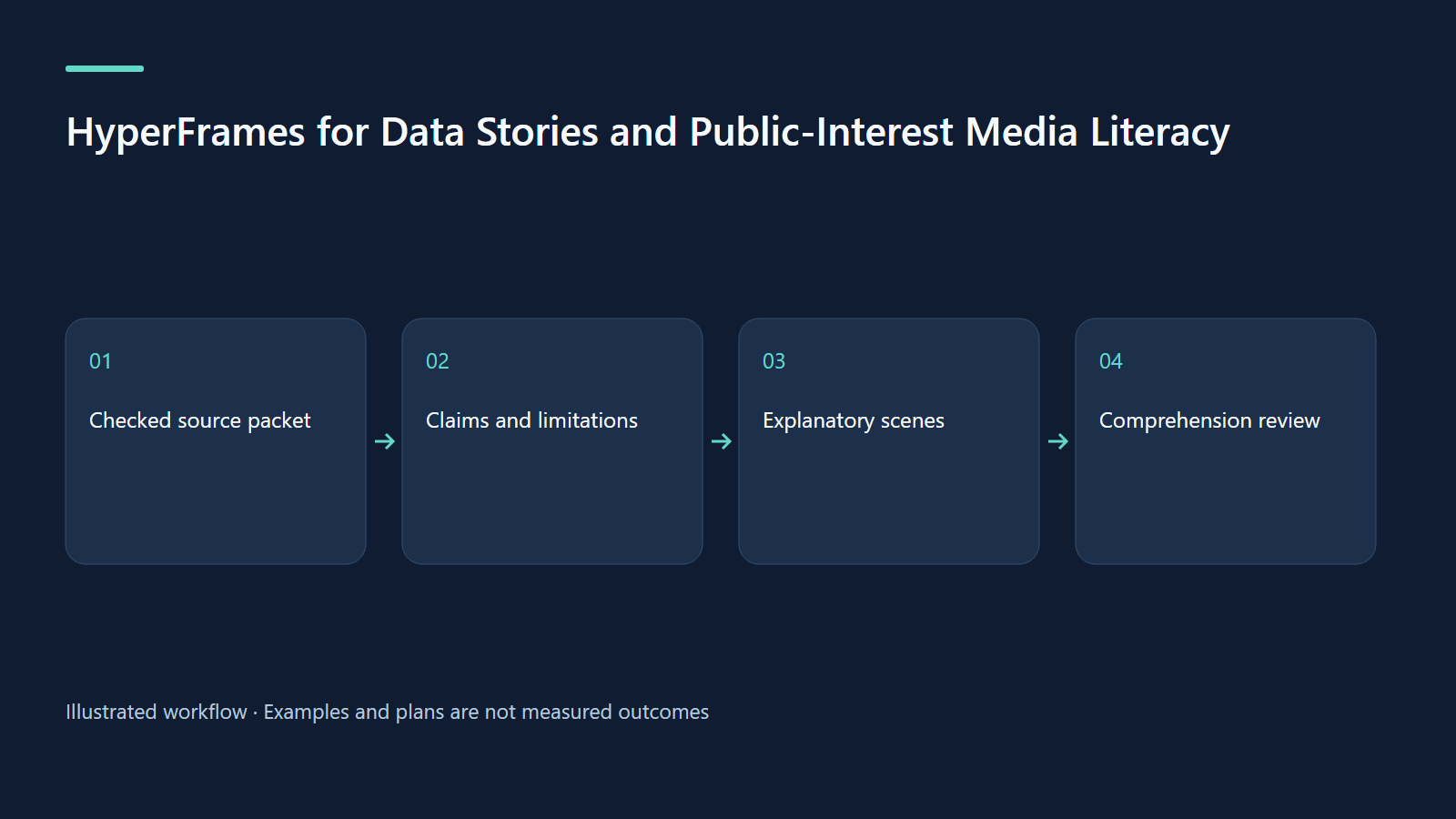
Use the question “What should I check before sharing this realistic clip?” The learning outcome is a verification sequence, not a promise that viewers can detect every deepfake. Avoid fictional emergencies, fabricated public figures, invented health incidents, or simulated market announcements presented as events. Abstract thumbnails and a clearly labeled demonstration interface can teach the workflow without manufacturing a plausible news incident.
HyperFrames’ faceless-explainer guide covers explaining notes or a topic using invented visual elements. That is the right starting point for this educational sequence. An explainer built around factual numbers still needs its source data; animation cannot supply missing evidence.
2. Freeze a source and decision packet
Save an evidence ledger containing the claim, official URL, retrieval date, exact relevant section, editorial paraphrase, and limitation. Keep a local policy note with the checked date because platform terminology changes. Store the script and storyboard beside the ledger. If the clip concerns a real event, gather the original upload, date, location claim, and corroborating primary evidence before drafting a conclusion.
For the exercise here, no actual suspicious clip is analyzed. The input is a fictional card labeled “demonstration only” plus checked YouTube guidance. Editors should preserve the difference between a platform’s disclosure rule and a general claim about whether a video is true. A video can be authentic footage while its caption misstates the place or date.
3. What the current platform policy actually supports
YouTube requires disclosure for meaningfully altered or generated content that appears realistic, including making a real person appear to do something they did not do or creating a realistic scene that did not occur. Read the current examples in YouTube’s GenAI disclosure guidance. Do not turn this into “every AI-assisted video needs the same label.”
The separate “Captured with a camera” disclosure depends on supported provenance technology. Its absence does not establish that a clip was altered. YouTube also describes limitations such as filming a screen displaying synthetic material. These caveats appear in its camera-disclosure guidance. Treat provenance information as one input, then check the claim and context.
4. Original storyboard: pause, trace, compare, decide
Propose a 75-second film for a library workshop or community newsletter. Use a fictional thumbnail featuring an abstract city illustration, not a realistic disaster. The diagram follows one card through four questions. Each transition reveals a new check, avoiding the misleading impression that a single icon can certify truth.
| Time | Scene proposal | Viewer action |
|---|---|---|
| 0–10 s | “A realistic clip is a reason to check, not a conclusion” | Pause before sharing |
| 10–25 s | Demonstration card moves to an original-upload folder | Find uploader, date, and full context |
| 25–42 s | Disclosure panel with a visible policy date | Read available origin information |
| 42–60 s | Two evidence boxes: claimed event and primary confirmation | Compare the specific claim with sources |
| 60–75 s | Three outcomes: supported, contradicted, unresolved | Explain uncertainty or postpone sharing |
The narration should explicitly permit “unresolved.” A literacy video that pressures the viewer to choose real or fake trains false confidence. The final resource card points to dated official guidance and the workshop’s written checklist.
5. Use synthetic data only to explain the chart
A training chart can show a hypothetical review queue: 24 demonstration submissions during a fictional seven-day workshop, with 9 supported, 5 contradicted, and 10 unresolved. Label every view “synthetic training data; submissions; fictional seven-day period; source: this exercise.” The counts total 24, and unresolved means insufficient evidence in the exercise. They are not prevalence estimates for AI media.
Keep the raw CSV and calculation notes beside the project. If percentages are shown, specify the denominator and rounding. Avoid animating a change between invented time periods as if it were a measured trend. In a real public dashboard, state the collection method, missing records, update interval, and whether categories overlap. These editorial decisions matter more than a dramatic count-up.
6. Paste-ready prompt and evidence handoff
This original prompt is a proposed request, not a command already run.
Using /hyperframes, create a 75-second faceless-explainer storyboard about checking realistic media before sharing. Use evidence-ledger.csv, policy-notes-2026-10-09.md, and script-approved.md. Invent only abstract explanatory visuals. Label the demonstration interface and any numbers as fictional or synthetic. Teach pause, trace, compare, decide. Preserve “unresolved” as a valid outcome. Do not identify real people, fabricate an incident, or claim a detector proves authenticity. Include readable captions and a dated source card. Show preview before rendering.Give the reviewer three artifacts: the claim ledger, the timed storyboard, and the complete script. A policy correction should update all three. Maintain an editorial note explaining which claims were removed because the evidence was too weak.
7. Troubleshooting misleading visuals
If viewers treat a missing label as proof, revise the scene to show “absence is inconclusive” at the moment the empty disclosure area appears. If colors imply that unresolved means false, use a neutral category and explicit wording. If a chart resembles official statistics, strengthen the synthetic label inside the chart itself, not only in the description.
When moving bars hide units, keep the axis and units fixed. When screenshots contain personal information, replace them with sanitized demonstration assets. If the film tries to explain both detection science and sharing decisions, separate them into two lessons. The first video should leave the viewer with a usable sequence.
8. Accessibility, QA, and measurement
Read important labels in narration, provide synchronized captions, and publish a descriptive transcript. W3C’s media planning guidance helps distinguish accessibility needs for different media. A silent chart needs a text equivalent; color alone should not carry the three outcomes.
Run project checks and inspect the preview before an approved render, then review the actual exported file as described in HyperFrames’ finishing guide. Verify each number, policy date, link, category label, and synthetic-data notice. Keep a correction contact with the written resource.
For a pilot, present three fictional cards and ask participants to name their next verification step. Record unsupported certainty separately from successful recall. A proposed target is fewer unwarranted real/fake judgments after the lesson; collect a baseline before selecting a numerical goal. These are planned evaluation measures, not evidence of achieved impact.
9. Exercise and primary sources
Build a six-row claim ledger from one current platform policy. Write a 90-word script containing one supported rule and two explicit limits. Design a scene where “unresolved” remains understandable with sound off. Ask someone to explain what the policy does and what it cannot prove.
Sources checked on 9 October 2026: YouTube GenAI disclosure, camera provenance and caveats, HyperFrames explainers, finishing, and W3C media planning. CLI baseline: 0.8.143. Policy availability and interfaces may differ by platform, account, and region.
Continue learning
Related reading
· 7 min read
HyperFrames
HyperFrames for food, travel, and everyday stories: a four-shot diary
Build a personal café-corner or travel diary with owned assets and reviewed bilingual storytelling.
Read more
· 7 min read
HyperFrames
HyperFrames for family events: turn approved memories into a music-led film
Choose the right output, follow musical phrases, and keep music rights and family permissions clear.
Read more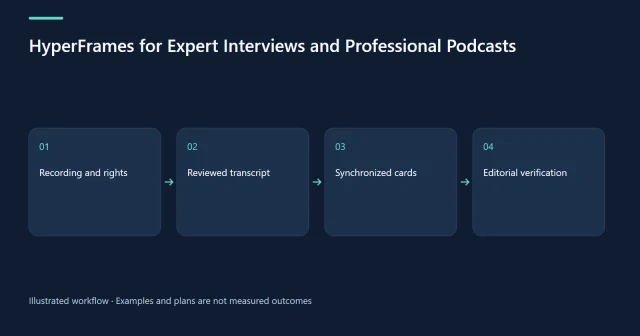
· 6 min read
HyperFrames
HyperFrames for Expert Interviews and Professional Podcasts
Package an expert interview with accurate bilingual captions, evidence-backed cards, and a practical AI-agent permissions storyboard.
Read more
Discussion
Comments are reviewed before publication. Your email is kept private.