
JOURNAL
Publish AI video on YouTube and TikTok with a traceable review process
Match each platform, inspect the publication package, and verify the actual outcome.
On this page
Match each platform, inspect the publication package, and verify the actual outcome.
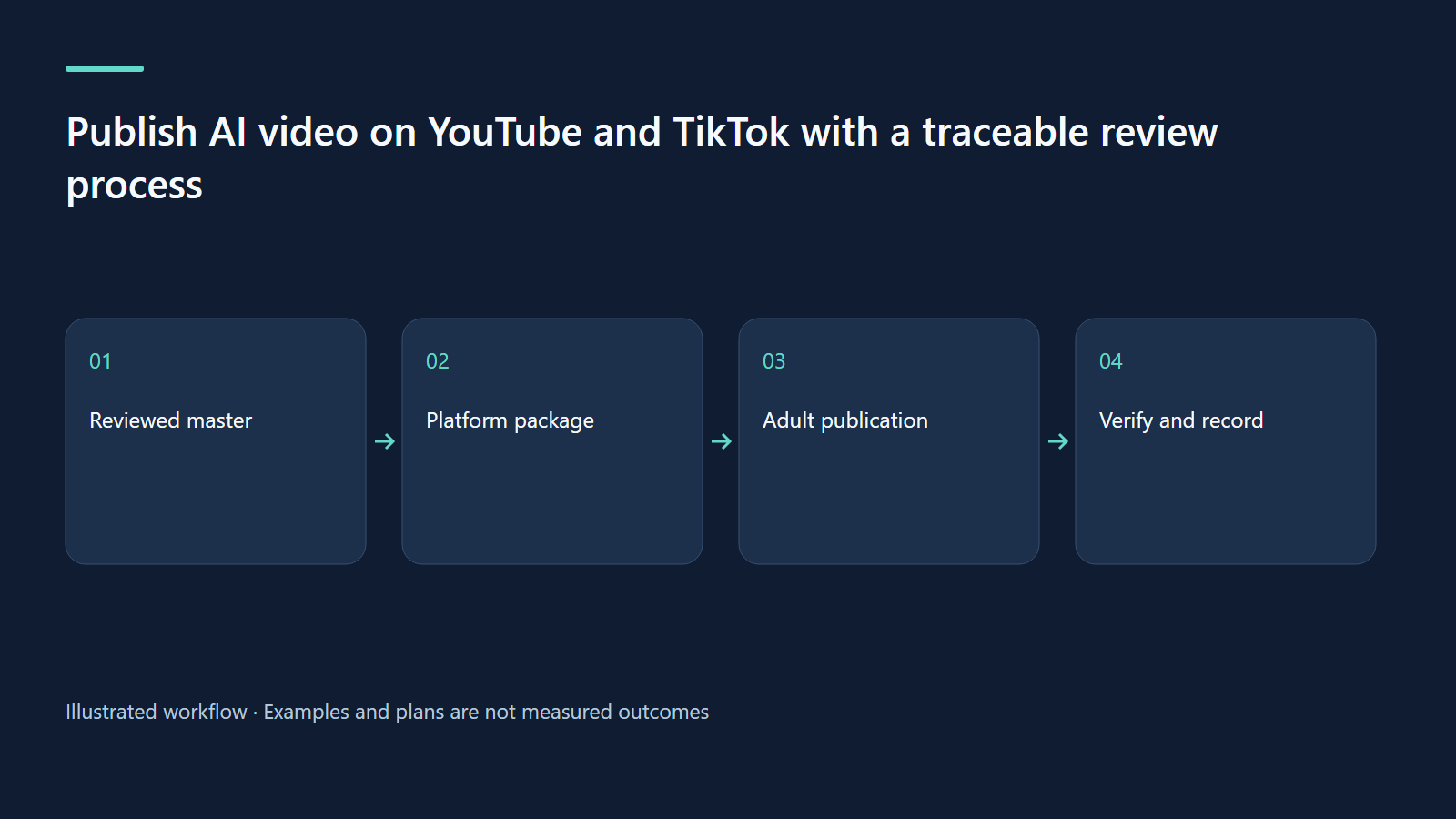
Treat publication as its own production stage
A finished MP4 is only part of an upload. The complete package includes intended audience, language, title, description, thumbnail, captions, rights and visibility. These elements should agree. A title promising a quiz must lead to a quiz; an English label must identify English audio. Keep a publication checklist separate from the creative checklist so a successful render cannot be mistaken for permission to publish. Assign one adult to approve the exact package that will leave the project.
The inspected Studio implements YouTube uploads and a queue. It does not implement TikTok automatic publication. TikTok therefore requires an adult to prepare an export and complete the platform's manual process. Latest format handling also matters: the current creation UI offers portrait 9:16 for travel, and the server filters requested formats against those supported by the installed mode. Do not promise a portrait lesson export simply because its source has a formats array. A separate adaptation requires its own production and review.
Describe the actual task in metadata
Choose one natural search phrase matching the activity. Put it where a parent can quickly understand the title and description opening. Explain age, language, objective and credits in the remaining description. Avoid unrelated keyword lists. A person who finds the wrong lesson is not a useful discovery result. In the kids-video youtube block, title, keyword, hook, learn, tags, series and thumbText can be language-specific. Review them with seo and an upload dry run.
A linter score identifies formatting conventions, not ranking or satisfaction. Inspect the thumbnail at phone size and make sure it communicates one task. “Count three objects” is a reviewable promise. Keep metadata localization distinct from an audio-language version: an English description on Vietnamese audio does not turn it into an English lesson. Track vi and en as separate targets, with their own source revision and approval. The confirmed channel reference is youtube.com/@bevuihoccungchip; that URL does not establish audience growth or income.
Respect the complete learning activity
A short adaptation should preserve the question, thinking pause and explanation. If that is impossible, choose a smaller objective rather than cutting off the answer. Check the actual frame: a portrait crop can remove a quiz choice or the object needed to respond. Use a supported layout or create and review a separate composition. The first seconds should explain what the viewer will do, and the final seconds should close the task without pressuring children to click or buy.
For every language, compare audio, subtitle text and visible words. Review the exported file, not only the editable preview. If you change source after rendering, rebuild and render again before publishing. Old MP4 timing and new captions can diverge while both files still exist. A handoff folder containing one approved MP4, one matching subtitle file, one thumbnail and one metadata record reduces ambiguity. Label obsolete drafts clearly so a rushed adult cannot accidentally select them.
Give audience and disclosure decisions separate answers
Use the actual substance and intended audience to determine whether a video is made for kids. YouTube's official guidance supports that decision; AI participation does not determine it. The adult also checks privacy, educational accuracy, rights and unsafe imitation. Keep parent-facing production explanations separate from the child's learning activity. Children can participate in creation without owning publication accounts or carrying responsibility for views.
YouTube's synthetic-content guidance addresses qualifying altered or generated material. Inspect the specific video against it rather than assuming an animated diagram and a realistic fabricated event need identical treatment. A production credit explaining AI narration does not substitute for a required platform disclosure. Audience designation, rights and disclosure are separate questions. Record each answer and its reason in the publication review so a later editor understands the decision.
Worked example: an honest platform handoff
A two-minute counting lesson has reviewed Vietnamese and English landscape exports. The adult reviews each YouTube title, description, captions and dry-run plan. If a TikTok activity is wanted, they commission a separate supported portrait composition teaching only “find three,” then inspect its complete answer and manually upload it. The lesson is reused as an idea, while the output and review remain distinct. Studio is not described as automatically generating every possible format or posting to every platform.
Exercise: rehearse before an upload
Ask another adult to inspect the handoff folder without an explanation. They should identify language, age range, objective and intended visibility. Have them note one mismatch and write its exact correction. Run the upload dry run and compare its fields with the folder. Finally write the source revision, target, reviewer and planned local time in a log. This rehearsal creates a concrete acceptance record and reveals missing credits or confusing language labels before an external action.
Troubleshooting and actual confirmation
A queue entry is intent, not proof of public availability. After an authorized upload, inspect the actual platform URL, visibility, thumbnail, subtitles and schedule. Use an explicit time zone. If a job fails, inspect the recorded result before retrying: upload may have succeeded while extras failed. Repair missing extras on the existing record where supported. If TikTok controls are absent, use manual publication. If a mode rejects portrait, choose a supported target rather than bypassing validation.
| Step | Evidence | Adult decision |
|---|---|---|
| Package | Matching video, subtitles and metadata | Approve the specific language target |
| Dry run | Printed publication plan | Check visibility and local time |
| Upload | Recorded external identifier | Inspect the actual platform record |
| Repair | Extras and job log | Avoid duplicate uploads |
Sources and evidence boundary
- YouTube audience designation
- YouTube synthetic-content disclosure
- Supported format handling, 090c39f
Related learning paths
Related reading
08 Oct 2026 · 6 min read
AI Video
Bé Vui Học Studio architecture: a private production app with a public learning front door
A source-based case study of role boundaries, file-backed production, jobs, semantic search and host-separated publication.
Read more
08 Oct 2026 · 7 min read
AI Video
Bé Vui Học Studio step by step: from topic to adult-reviewed video
Follow source, voice, build and review while respecting child and parent roles.
Read more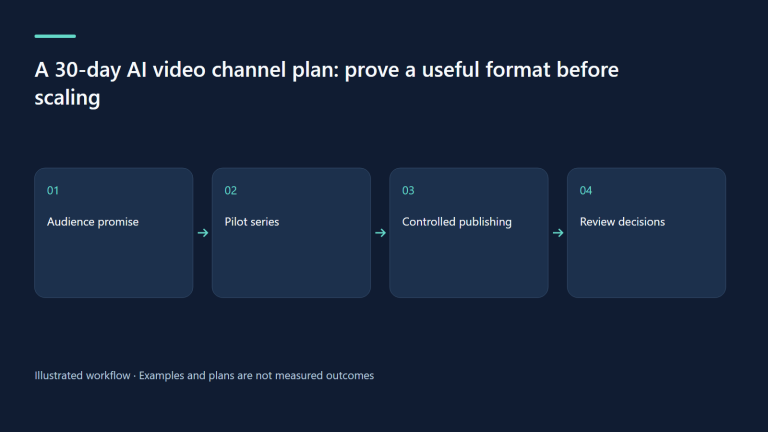
08 Oct 2026 · 6 min read
AI Video
A 30-day AI video channel plan: prove a useful format before scaling
A practical month for selecting an audience, producing a small pilot, and learning without confusing output volume with audience value.
Read more
Discussion
Comments are reviewed before publication. Your email is kept private.