
JOURNAL
Building a Real-Time Interview Voice System with Azure Foundry Voice Live & Next.js (Part 1 of 7)
Part 1 of 7 — Why Azure Foundry Voice Live changes everything for real-time voice AI. Understand the architecture, compare alternatives, and see how to build an interview system that responds in under 200ms.
On this page
Most voice AI applications feel like talking into a recording device and waiting for a callback. There’s a pause, a beep, and then a response — perfectly correct, but utterly unnatural. For an interview simulator, that latency breaks everything. People don’t interview well when the AI feels like a server processing a batch job.
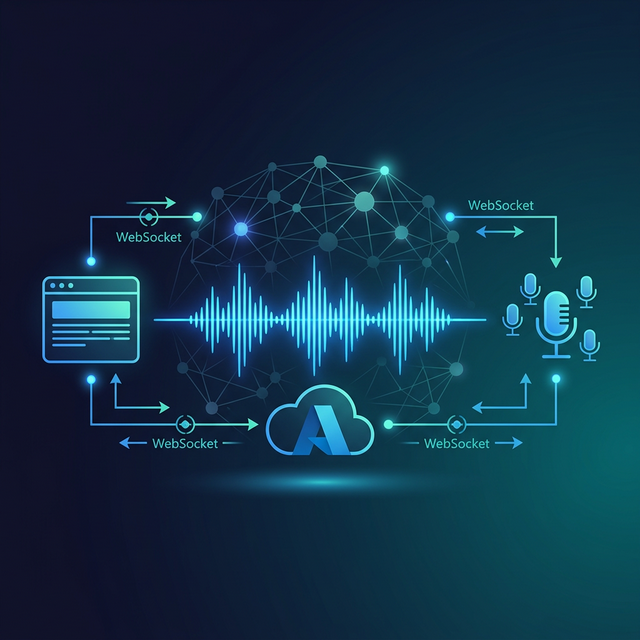
Azure Foundry Voice Live changes the equation. It is a real-time, bidirectional voice API that streams audio in and out simultaneously, with built-in voice activity detection, interruption handling, and natural turn-taking. When tuned correctly, end-to-end latency drops below 150ms — imperceptible to humans in conversation.
This 7-part series is the complete guide to building a production-grade Interview Voice System on Azure Voice Live with Next.js as the application layer.
What Is Azure Foundry Voice Live?
Azure Foundry Voice Live is part of the Azure AI Foundry platform (formerly Azure OpenAI Service + Azure Speech). It provides a real-time audio WebSocket API that replaces the traditional pipeline of:
User speaks → Convert to text (STT) → Send to LLM → Get response → Convert to audio (TTS) → Play
With a single streaming connection:
User speaks → Audio frames → Azure Voice Live → Response audio frames → Play
The key difference is end-to-end streaming. There is no waiting for the full utterance to be transcribed. Azure Voice Live processes audio frames as they arrive, begins forming a response as soon as intent is clear, and starts streaming the reply before the user has even finished speaking (when configured to do so).
Core Capabilities
| Capability | Detail |
|---|---|
| Latency | 120–200ms end-to-end (optimal region + config) |
| Protocol | WebSocket (wss://) — bidirectional, persistent |
| Audio Input | PCM 16-bit, 16kHz or 24kHz mono |
| Audio Output | PCM, G.711 μ-law, or Opus |
| VAD | Built-in Voice Activity Detection |
| Interruption | Natural barge-in when user speaks over AI |
| Languages | 100+ languages |
| Model | GPT-4o Realtime Audio (Azure-hosted) |
The Interview Voice System: Why It Needs This
An interview simulator has unusually strict UX requirements:
- Response time < 300ms — anything longer feels like the interviewer is confused
- Natural interruption — the user should be able to cut off a long answer mid-stream
- Turn-taking clarity — the user needs to know when to speak vs. listen
- High audio quality — robotic voices destroy confidence
- Session continuity — context must persist across a 30-minute interview
Classic TTS pipelines fail at requirements 1, 2, and 5. Voice Live satisfies all five natively.
System Architecture
The production architecture for our Interview Voice System looks like this:
flowchart TD
    A["🎤 Microphone<br/>(MediaRecorder API)"] -->|"PCM audio frames"| B["useVoiceLive Hook<br/>(React custom hook)"]
    B -->|"wss:// WebSocket"| C["Next.js API Route<br/>/api/voice — proxy"]
    C -->|"Injects API key<br/>wss:// to Azure"| D["Azure Foundry<br/>Voice Live API"]
    D -->|"GPT-4o Realtime Audio + VAD"| D
    D -->|"Response audio frames"| C
    C -->|"wss:// relay"| B
    B -->|"Web Audio API"| E["🔊 Speaker Playback"]
    B -->|"Status events"| F["Interview UI<br/>(React components)"]

    style A fill:#1e3a5f,color:#fff
    style B fill:#1e3a5f,color:#fff
    style C fill:#2d4a7a,color:#fff
    style D fill:#0078d4,color:#fff
    style E fill:#1e3a5f,color:#fff
    style F fill:#1e3a5f,color:#fff
Why a Server-Side Proxy?
The Azure API key must never be exposed in the browser. The Next.js API route acts as a WebSocket proxy — it authenticates with Azure and relays frames between the browser and Azure with minimal overhead.
Comparing Alternatives
Before committing to Azure Voice Live, it’s worth evaluating the alternatives:
| Solution | Latency | Cost | Interruption | Control |
|---|---|---|---|---|
| Azure Voice Live | 120–200ms | $0.06/min | ✅ Native | ✅ Full |
| OpenAI Realtime API | 200–400ms | $0.10/min | ✅ Native | Medium |
| ElevenLabs Conversational | 300–600ms | $0.30/min | ⚠️ Limited | Low |
| Twilio + Deepgram + GPT | 400–800ms | $0.15/min | ❌ Manual | ✅ Full |
| Classic STT→LLM→TTS | 1,000–3,000ms | Variable | ❌ Manual | ✅ Full |
Azure Voice Live wins on latency and cost when you’re already in the Azure ecosystem. The OpenAI Realtime API is a close second but is 2x more expensive.
Technology Choices for This Series
| Layer | Technology | Why |
|---|---|---|
| Front-end | Next.js 14 (App Router) | Industry standard, excellent WebSocket support |
| Voice API | Azure Voice Live | Lowest latency, Azure ecosystem |
| Audio capture | MediaRecorder API | Native browser, no library needed |
| Audio playback | Web Audio API | Low-latency, fine-grained control |
| Deployment | Azure Container Apps | Scales WebSocket sessions, sticky sessions |
| Monitoring | Azure Application Insights | First-party, correlates with Voice Live logs |
The 7-Part Roadmap
Here’s what this series covers:
| Part | Topic | Key Question |
|---|---|---|
| Part 1 | Architecture Overview | Why Voice Live? What does the system look like? |
| Part 2 | Setup & Configuration | How do I get started fast? |
| Part 3 | Next.js Integration | How do I connect it to my app? |
| Part 4 | Minimum Latency | How do I get below 150ms? |
| Part 5 | Audio Quality | How do I make it sound natural? |
| Part 6 | Debugging & Issues | How do I fix what breaks? |
| Part 7 | Deploy, Scale & Pricing | How do I run this in production? |
Prerequisites
To follow this series you will need:
- An Azure account with Foundry access (apply here)
- Basic familiarity with Next.js (App Router)
- Comfort with TypeScript and async JavaScript
- A modern browser with WebRTC support (Chrome, Edge, Firefox)
No prior voice AI experience required — we explain all the concepts as we go.
What You’ll Build
By the end of Part 7, you will have a fully working AI Interview Coach with:
- ✅ Real-time voice conversation with sub-200ms response time
- ✅ Natural interruption — speak over the AI at any point
- ✅ Voice activity indicator so users know when to speak
- ✅ Interview context persistence across the session
- ✅ Production deployment on Azure Container Apps
- ✅ Cost monitoring and usage tracking
A Note on “Foundry Voice Live” vs. “Azure OpenAI Realtime Audio”
You may encounter both terms. They refer to the same underlying API, accessed through different control planes:
- Azure AI Foundry (ai.azure.com) — the newer unified portal
- Azure OpenAI Service — the older portal
Both use the same gpt-4o-realtime-preview model and the same wss:// WebSocket endpoint. In this series we use the Foundry portal for setup, but all code works identically regardless of which portal you used to provision the resource.
Next: Part 2 — Project Setup & Azure Configuration →
This is Part 1 of the Azure Voice Live series.
Related reading

25 Sep 2026 · 4 min read
ai
Entra Agent ID Is Microsoft's Bet That Identity Beats Sandboxing
Microsoft's September 23 post on agent-first platforms ties Entra Agent ID, Foundry, and hardware-isolated Container Apps sandboxes together. KPMG runs 30,000 concurrent sandboxes on it. Here's whether identity-first actually changes anything over sandboxing alone.
Read more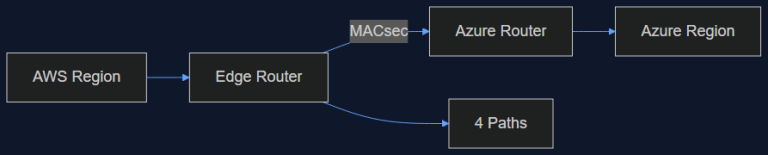
16 Sep 2026 · 4 min read
ai-infrastructure
AWS Just Opened a Private Pipe Straight Into Azure. Here's Why an AI Team Should Care
AWS Interconnect – multicloud with Azure went into preview in August, capped at 1 Gbps and four regions. That's not enough bandwidth for training, but it's exactly enough to fix the multi-vendor inference problem we've been duct-taping for a year.
Read more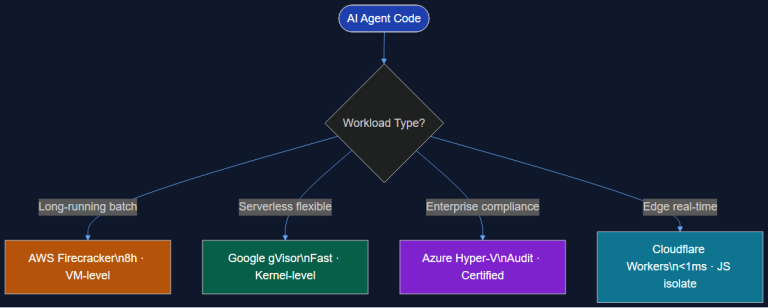
28 Jul 2026 · 6 min read
ai
Cloud Agent Sandboxes: How AWS, Google, Azure, and Cloudflare Handle Isolated Code Execution
All four major clouds shipped agent code sandboxes in the same quarter. Four isolation architectures, four trade-off profiles. Here's the technical comparison and decision framework for Tech Leads picking the right sandbox for their AI stack.
Read more
Discussion
Comments are reviewed before publication. Your email is kept private.