
JOURNAL
HyperFrames for Training, Onboarding, and Evidence-Based Code Demos
Build a sanitized onboarding lesson with decision checkpoints, practice tasks, and a clear boundary between mock interfaces and real PR evidence.
On this page
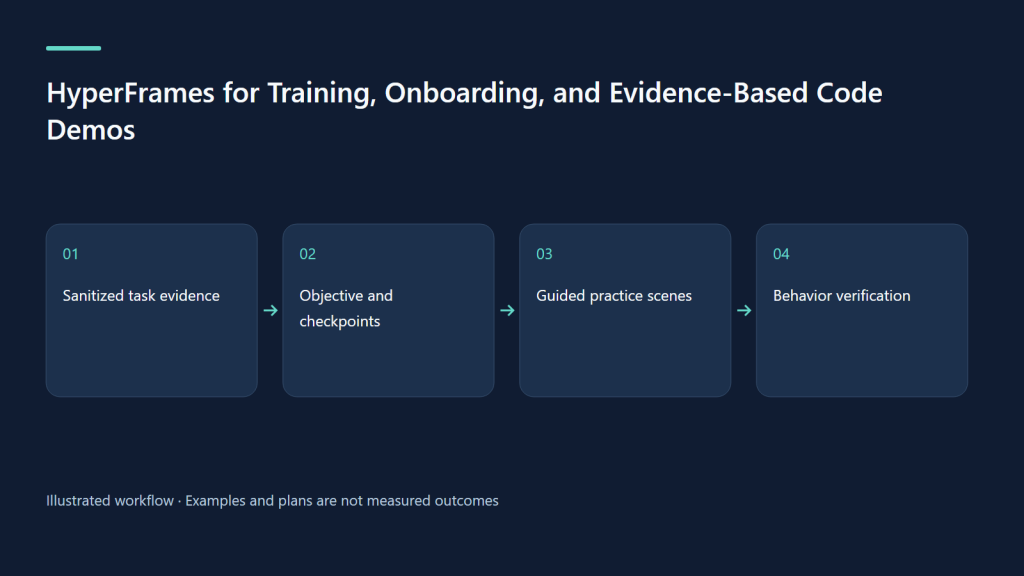
A useful onboarding video answers a practical question: what should the new teammate do, how can they tell it worked, and where should they stop when something is uncertain? HyperFrames can combine sanitized interface footage, explanatory diagrams, captions, and code evidence into an editable lesson. This article proposes a training storyboard for reviewing an AI-agent action. It is an original recipe; no corporate deployment, customer dataset, or completed video is implied.
1. Begin with a task someone can demonstrate
Replace “introduce our platform” with “review a generated draft before an authorized send.” The learner should identify the intended recipient, inspect the draft, check the permission boundary, and verify the final status. A manager may need a decision map; a developer may need the relevant code path. Those are separate audiences even when they share the same underlying scenario.
Build one small lesson around one observable outcome. A two-minute tour that names every menu gives less evidence of understanding than a focused task with a practice step. Keep the written procedure available because a video is awkward to search while a new employee is performing the workflow.
2. Choose the route from the actual input
For a concept explained with invented diagrams, use faceless-explainer. For a custom lesson combining screen recordings, explanations, and exercises, request general-video. If the request is specifically a site or interface showcase, the product/website workflow may fit. The subject “training” alone does not determine the production route.
Use pr-to-video only when an actual supplied PR or code change provides the evidence. The official PR guide distinguishes the real diff from website capture and asks reviewers to separate proposed, merged, and released behavior. A fictional storyboard about a feature is not a source PR.
3. Create a safe, reproducible evidence packet
Capture a sandbox with fabricated names, messages, identifiers, and accounts. Remove customer information, secrets, internal URLs, notifications, and browser autofill before recording. Use an approved mock environment when a real system cannot be shared. A sanitized screenshot must also have a sanitized filename and accompanying transcript; sensitive details can leak outside the visible frame.
Store the task procedure, environment version, recording date, expected result, reviewed narration, and learning objective. For a code-based lesson, add the actual PR URL, commit reference, diff, relevant test evidence, and release status. Record what each asset proves. A mock screen proves the teaching sequence, not that a product feature is deployed.
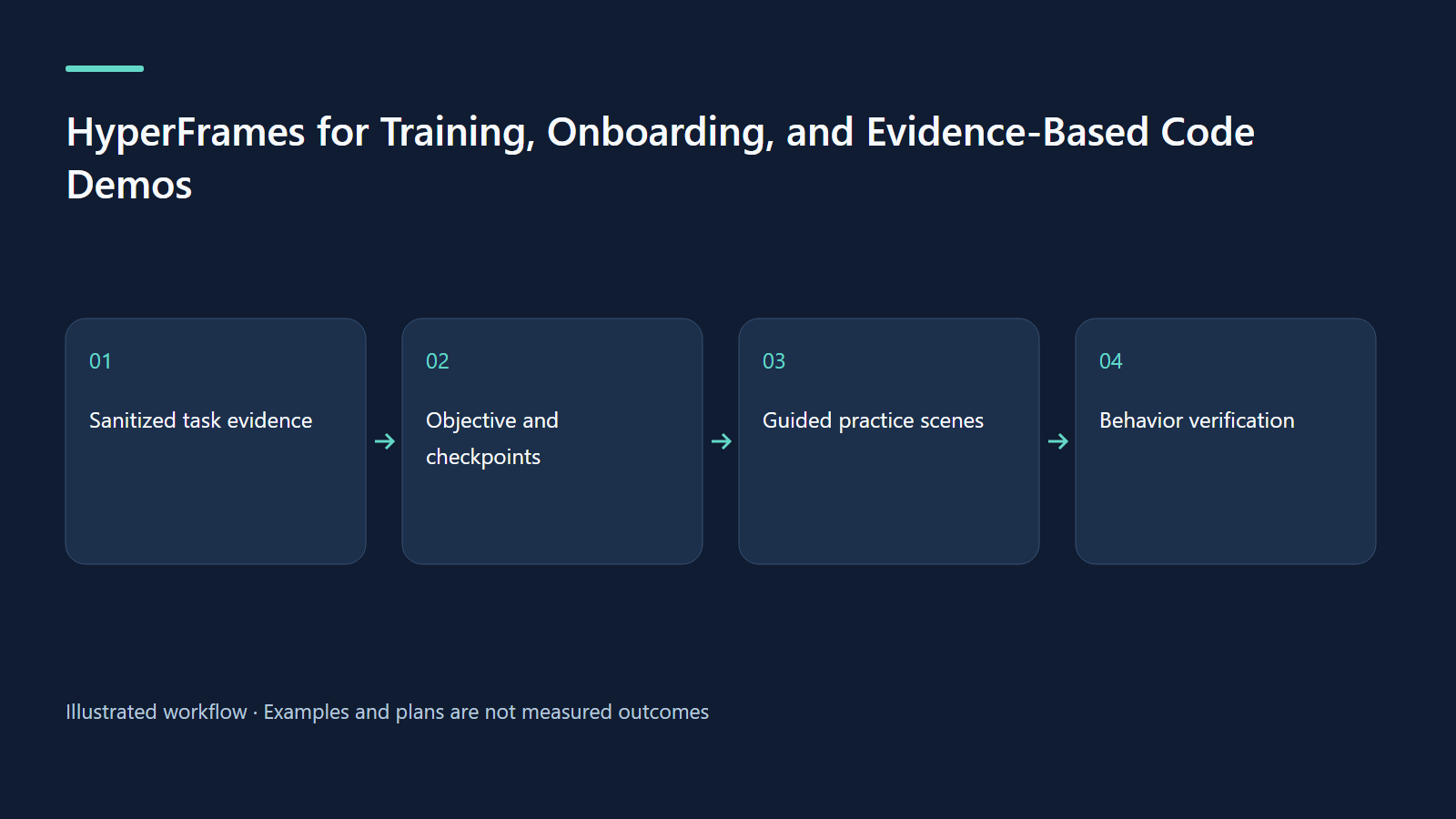
4. Original scenario: review before send
The proposed 90-second lesson uses a fictional internal training app. Its demo agent drafts a follow-up message to a fabricated colleague. The learner must confirm recipient and content, then approve an action through the mock interface. The final state shows “sent in training sandbox.” No live message is sent, and no real service behavior is claimed.
The lesson shows one ordinary path and one stop condition: a mismatched recipient. The stop condition matters because memorizing button positions does not demonstrate judgment. Keep the input visible long enough for a learner to inspect it before revealing the answer.
| Time | Proposed scene | Checkpoint |
|---|---|---|
| 0–12 s | Task and “fictional training sandbox” label | Name the intended outcome |
| 12–30 s | Sanitized draft and recipient fields | Check recipient and content |
| 30–47 s | Diagram separating draft from action | Identify authorization boundary |
| 47–65 s | Wrong-recipient example, with reading pause | Stop and correct instead of approving |
| 65–80 s | Corrected sandbox action and final status | Verify outcome, do not infer it from a click |
| 80–90 s | Practice task and written procedure | Repeat with a different fabricated record |
5. Explain an actual code change with the right proof
If a supplied PR changes permission checking, begin with the previous behavior, the changed condition, and the resulting user-visible state. Show a small readable excerpt rather than a scrolling wall of code. Link each statement to a diff location or reproducible observation. Do not claim faster execution or reduced failures without measured evidence.
GitHub describes review as comments, approval, or requested changes in its pull-request review documentation. An approval is not proof of deployment. Keep proposed, merged, and released labels explicit, and capture the checked date. If the branch changes after review, refresh the evidence packet before updating the film.
6. Paste-ready prompts for training and PR evidence
These original prompts describe future work. Replace the PR marker with an actual authorized source; do not submit a fabricated URL.
Using /hyperframes, create a 90-second general-video training storyboard from assets/sandbox-demo.mp4, procedure-reviewed.md, and narration-approved.md. Teach reviewing a generated draft before authorizing a sandbox action. All people and records are fictional. Show recipient, content, permission boundary, one mismatch, and verified final status. Use a reading pause before the answer. Provide captions and a written practice task. Do not capture live customer systems. Show the full preview for review before rendering.Using /hyperframes and pr-to-video, explain [ACTUAL_SUPPLIED_PR_URL] to new engineering teammates. Read the real diff, commits, and relevant files. State whether the change is proposed, merged, or released using verified evidence. Show one before/after behavior and the relevant permission-checking code. Distinguish observed test results from expected outcomes. Flag missing evidence instead of inventing screenshots, metrics, or deployment status.7. Design the lesson around decisions
Keep the cursor, field highlight, and narration focused on the same step. Avoid racing through menus while explaining policy. Use a persistent step label and a stable diagram so viewers can recover after looking away. Show the actual error state in sanitized footage when it is available; otherwise label the scene as a mock demonstration.
Use separate English and Vietnamese versions when simultaneous bilingual captions would crowd the interface. Translate action names consistently with the approved interface glossary. Explain essential visual changes in narration and provide a descriptive transcript. W3C’s media planning guidance supports planning these alternatives before production.
8. Troubleshooting and production QA
If a menu label changed, recapture the relevant sanitized step and update the procedure together. If learners click the right button but approve the wrong recipient, revise the checkpoint and practice data. If code cannot be read at delivery size, reduce the excerpt and explain the condition through a diagram. If reviewers disagree about product status, resolve the source evidence before polishing motion.
Follow HyperFrames’ finishing guide for project checks, preview review, and inspection of the rendered file. Verify caption synchronization, screen labels, reading pauses, clean audio ending, and absence of confidential information. Record the source commit and procedure revision in the handoff. A passing check does not validate the training policy itself.
9. Measure learning and maintain the material
Plan a small test with newcomers performing the task on fresh fictional records. Measure correct completion, missed stop conditions, time to locate the written procedure, and requests for help. These are proposed measures, not reported improvements. Compare like-for-like tasks rather than interpreting video completion as proof of competence.
Assign an owner and an update trigger: interface label changes, permission-policy revisions, or a new release invalidate relevant scenes. Keep the old version identified in the archive. The exercise is to write one objective, record a sanitized 30-second task, and add a deliberate mismatch. Ask a colleague to explain when to stop without replaying the video.
Primary sources checked on 9 October 2026: HyperFrames PR evidence workflow, concept explainers, finishing, GitHub review states, and W3C media planning. CLI baseline: 0.8.143. Company permissions, source availability, and retention rules require project-specific evidence.
Continue learning
Related reading
· 7 min read
HyperFrames
HyperFrames production: audio, bilingual delivery, privacy and real costs
Build a repeatable delivery process with audible exports, honest captions and transparent hypothetical budgeting.
Read more
· 7 min read
HyperFrames
HyperFrames skills: choose a workflow and finish your first video
Install skills, choose the right route and deliver one checked video with an honest evidence boundary.
Read more
· 7 min read
HyperFrames
Better HyperFrames prompts: briefs, storyboards and visible evidence
Turn a broad idea into a precise brief, timed scenes and reviewable claims using an approval-workflow concept.
Read more
Discussion
Comments are reviewed before publication. Your email is kept private.