
JOURNAL
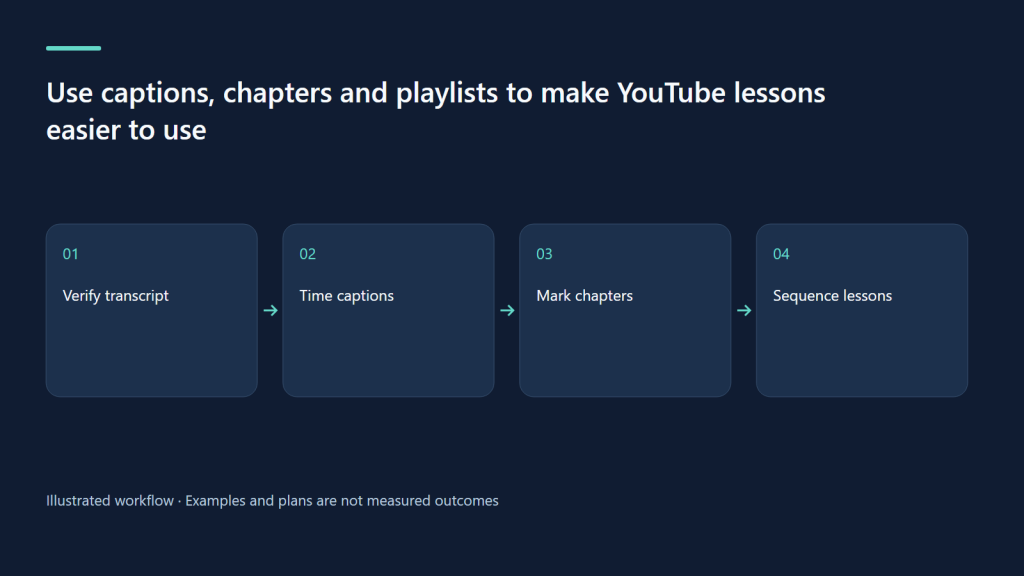
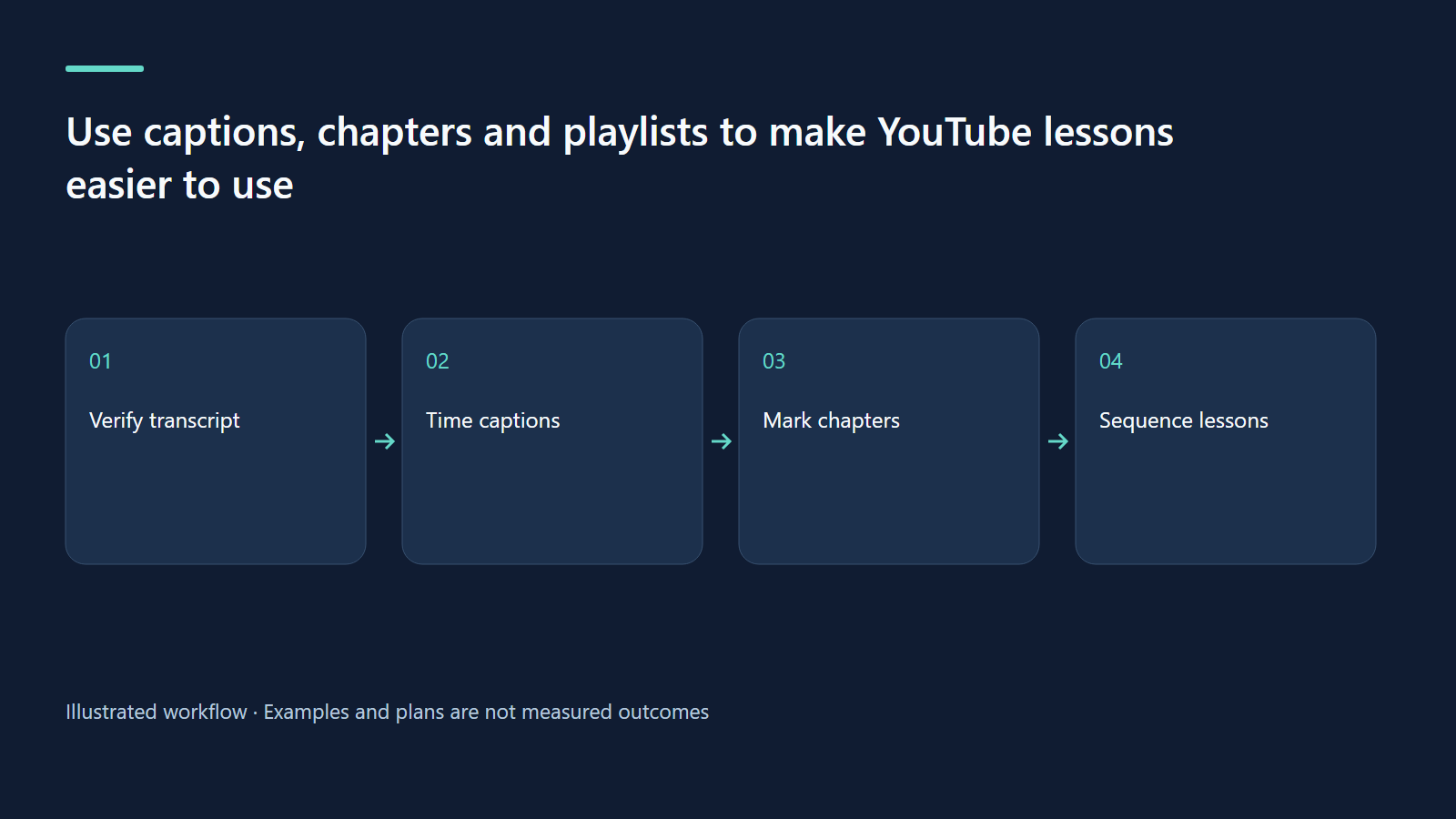
Use captions, chapters and playlists to make YouTube lessons easier to use
Build an accessible navigation layer with accurate language tracks, useful chapter boundaries and intentional lesson sequences.
On this page
A viewer may find a tutorial through an excellent title and still struggle to use it. The speech might contain an unfamiliar command, the relevant step might be buried in the middle, or the next lesson might be hard to locate. Captions, chapters and playlists address these practical problems. Their first purpose in this workflow is comprehension and navigation. Do not treat them as automatic ranking switches or assume that adding more labels creates better learning.
Build captions from the actual recording
Begin with the final audio, not an early script. Editing often changes the spoken words, pauses and command order. Produce a transcript, compare it with the recording and correct technical names, numbers and negations. “Do not normalize this clip yet” has a very different meaning if the negative disappears. For a software tutorial, keep command labels consistent with the interface shown and explain any translation in the narration or supporting text.
YouTube’s caption instructions support uploading caption files and adding language tracks in Studio. Auto-sync requires a transcript in the spoken language. For a translated track, prepare appropriate timing instead of assuming an English translation will automatically align to Vietnamese speech through that option. The editorial step remains a human review of the actual displayed captions, particularly around rapid demonstrations and changes of speaker.
Break captions at sensible phrases. A long sentence can become several readable units, but do not separate a command from the object it modifies. Include meaningful non-speech information when it is needed to understand the demonstration. If the lesson compares noisy and clean audio, a brief descriptive label can make the comparison more usable without inventing speech. Avoid placing decorative keyword text into a caption track; captions should represent the viewing experience accurately.
Make chapters describe actions or questions
Mark boundaries after the edit is locked. Each chapter should identify a useful destination, such as recording a baseline, changing microphone distance or comparing the result. Labels like “Part 1” and “More Tips” may be technically valid but require viewers to guess. A chapter title should tell someone returning to the video whether this is the section they need. Check that the timestamp begins before the explanation needed to perform the step.
YouTube’s manual chapter requirements include a first timestamp at 00:00, at least three timestamps in ascending order and chapters of at least ten seconds. The documentation also directs creators without access to advanced features. Meeting the format requirements is distinct from making the chapter boundaries useful. Preview the saved description and player rather than relying only on your text file.
| Time | Chapter label | Viewer purpose |
|---|---|---|
| 00:00 | Hear the untreated recording | Recognize the starting problem |
| 00:40 | Move the microphone closer | Try the first adjustment |
| 02:05 | Change the recording area | Test a room-related option |
| 04:10 | Compare the same passage | Evaluate the audible difference |
| 05:20 | Choose the next step | Understand remaining limitations |
Design playlists around a learning sequence
A playlist should answer “What should I do next?” rather than simply contain every upload from a calendar month. For adult voiceover beginners, a sequence could cover setting recording level, reducing room echo, cleaning steady noise and balancing music. Put prerequisites before procedures that depend on them. Write a short playlist description explaining who it serves, what equipment it assumes and what the learner should be able to do by the end.
Audit the first thirty seconds of every included lesson. A sequence is confusing if each upload assumes a different application version without explanation. A video can belong to more than one useful collection, but avoid creating nearly identical playlists with different keywords. When a lesson becomes outdated, annotate or replace it according to the actual problem. The library should offer a dependable route through the work rather than a maze of redundant folders.
Check the audience context before adding interactive prompts
These adult tutorial examples are not instructions to enable features on children’s lessons. YouTube’s audience guidance lists comments, cards and end screens as unavailable on made-for-kids videos. Classify content according to its actual audience, and design the viewing experience within the available features. Do not change an audience designation merely to obtain a navigation or feedback tool.
For a child-facing lesson, the video itself can contain an appropriate closing recap, while channel organization and public resources for adults can be planned separately. Do not build a script around asking children to leave a comment on a video where comments are unavailable. For a genuinely adult creator tutorial, a relevant next lesson may be appropriate where the applicable tools are enabled. The distinction is the actual content and intended audience, not a convenient marketing label.
Exercise: audit one tutorial from three positions
First watch with audio unavailable and check whether the captions preserve the important instructions. Next return as a learner looking only for the comparison section and test the chapter labels. Finally enter through the playlist and ask whether the preceding lesson supplied the necessary setup. Record exact timestamps for errors, not general impressions such as “captions need work.” Fix the most consequential meaning errors before polishing punctuation.
For the bilingual audit, have someone competent in the target language review idioms and technical terms. Check that the English subtitle does not introduce a result the Vietnamese narration never claimed, and that neither language overstates the method. Keep the reviewed file with its revision date. These quality checks are valuable even if a channel is too small for meaningful traffic comparisons. The output is a lesson that more people can understand and revisit, without an unsupported claim about its search ranking.
Related learning paths
Related reading
08 Oct 2026 · 5 min read
YouTube SEO
Design YouTube titles and thumbnails as an honest viewing promise
Create complementary title and thumbnail concepts, inspect small-screen clarity and plan eligible native experiments.
Read more
08 Oct 2026 · 5 min read
YouTube SEO
Read YouTube analytics and design experiments without misleading conclusions
Use source-aware comparisons, metric definitions and decision logs to learn from small channels without claiming unsupported causality.
Read more
08 Oct 2026 · 6 min read
YouTube SEO
Be Vui Hoc: a proposed bilingual discovery and learning plan
A clearly labeled planning case for a children’s learning channel, with audience constraints, lesson briefs and a future measurement sheet.
Read more
Discussion
Comments are reviewed before publication. Your email is kept private.