
JOURNAL
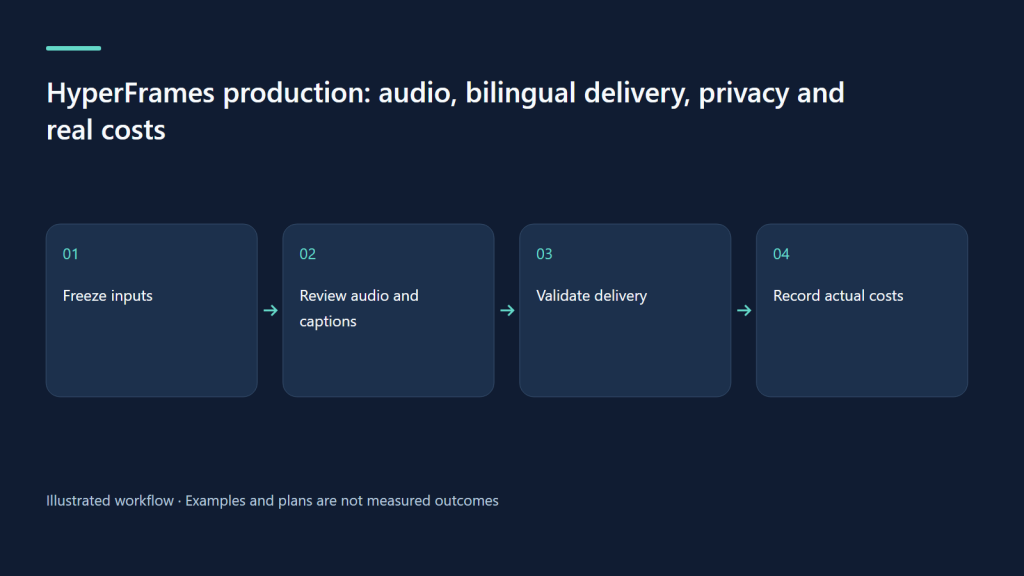
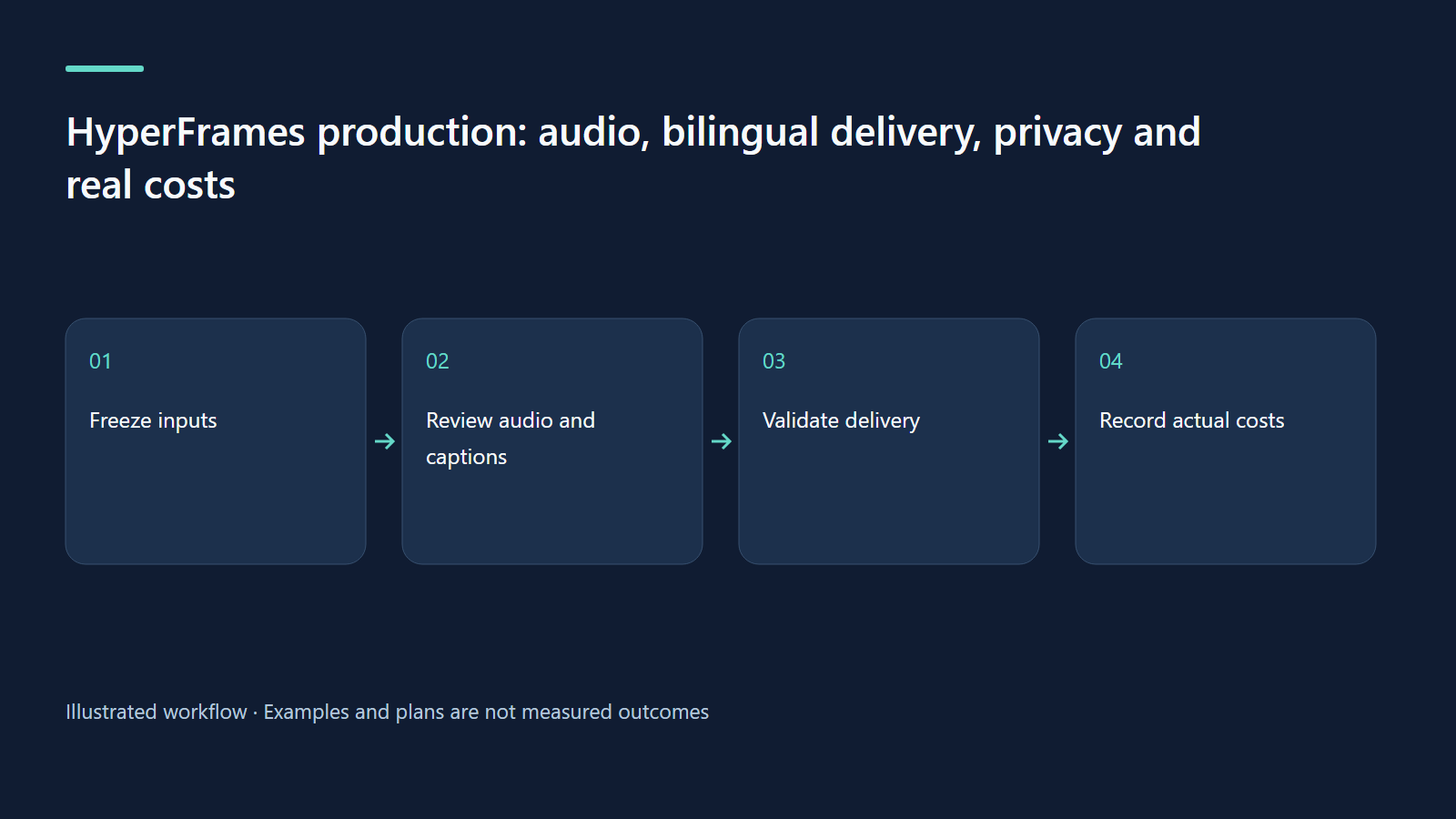
HyperFrames production: audio, bilingual delivery, privacy and real costs
Build a repeatable delivery process with audible exports, honest captions and transparent hypothetical budgeting.
On this page
A video is ready when people can understand it, the delivered file works, and the cost and data boundaries are clear. This final chapter turns a promising HyperFrames composition into a repeatable production workflow, using our existing Studio clips as evidence and a clearly hypothetical budget for planning.
Separate local rendering from the services around it
The official quickstart describes local rendering without HeyGen rendering credits. That does not make the entire workflow free, offline or tokenless. Your coding agent can consume model tokens; optional voice, avatar, image and hosted rendering providers have their own access and costs. A local browser can also fetch an external font or image. Write down each boundary before promising a client that confidential material never leaves their machine.
For an internal onboarding video, use fixture accounts and a local asset folder first. Inspect remote URLs and provider settings before generating narration. Record whether the script is sent to an external voice service, whether preview assets are hosted, and where the final file will be published. Rendering locally is a useful architectural choice; privacy still depends on the complete pipeline.
Freeze a small, understandable project
Keep the brief, approved script, storyboard, composition, media files and delivery notes together. A practical folder can include BRIEF.md, SCRIPT.md, STORYBOARD.md, index.html, assets and renders. These names are an editorial convention, not a requirement that every HyperFrames project has identical files. Record the workflow skill, CLI version, resolution, frame rate, voice provider and source commit. Keep API keys in the execution environment, never in a prompt archive or committed project file.
Our existing Studio demonstration was built with CLI 0.8.140. The research check on 9 October 2026 returned CLI 0.8.143, whose npm engine declares Node.js 22 or newer. Preserve the known working project version when maintaining that demonstration. Test an upgrade in a separate copy before replacing a client’s production renderer. “Latest” is a discovery result, not a reproducibility strategy.
Use the voice as the actual timing clock
A storyboard’s 30-second duration is a plan. The recorded or generated voice determines the actual sentence boundaries. Generate an approved narration draft, listen for pronunciation and pacing, and place visual reveals around those phrases. If speech is too long, edit the script before accelerating it until it sounds unnatural. The media and audio guide explains how narration, music and captions enter the workflow.
Our previous demo uses local Kokoro narration in English. Do not assume that the same installed voice setup can produce good Vietnamese. Verify language support in the selected provider, listen to a short sample with names and tone marks, and budget for pronunciation corrections. A Vietnamese edition can require a different voice and a different timing pass; translated text rarely has exactly the same spoken duration.
Diagnose missing audio in layers
First confirm that narration was requested and that an audio asset exists. Then inspect whether it is wired into the composition with an appropriate timing window and supported playback contract. Check whether its track is muted or its gain is effectively zero. Finally inspect the rendered file for an audio stream and listen to the beginning, middle and ending. A preview affected by browser playback policy and a final MP4 without audio are different failures.
For a busy mix, describe the symptom: “The music masks the sentence; reduce it while the speaker talks.” The official mixing guide explains symptom-based requests and their limits. Avoid adding effects as a substitute for a clear source recording. If the speaker cannot be understood in the dry track, repair or rerecord that input before polishing the music bed.
Distinguish captions, translations and summaries
An English transcript caption should represent the spoken English. A Vietnamese translation caption should convey that speech in Vietnamese. A shorter Vietnamese summary is a different deliverable and should be labeled accordingly. Our existing three Studio clips have English sentence captions and Vietnamese summaries. Their cue windows were authored manually; they are not evidence of automatic word-level alignment or complete Vietnamese narration.
Review names, numbers, negations and permission states particularly carefully. “Approved” must not become “completed” during translation. If transcription returns no usable word timings, say so and either author sentence cues or run a separate transcription process. Open every subtitle track in the actual player. A valid VTT file on disk can still fail online because of its response MIME type, a broken URL or a mismatched video clock.
Build a release storyboard, not only a creative storyboard
For a proposed bilingual 45-second product explanation, the production plan below identifies a check and an owner at each stage. The time windows are estimates until the chosen voices are generated. This is a planning example, not a new rendered video or a measured turnaround.
| Stage | Output | Release check |
|---|---|---|
| Brief and evidence | One viewer task, fixture capture, claims list | Product owner approves factual boundaries |
| Voice and scenes | EN and VI audio, timing notes, composition | Language reviewer checks meaning and pronunciation |
| Export and delivery | Landscape MP4, designed vertical variant, caption files | Reviewer watches each complete export on a phone |
| Publication | Poster, accessible page, source and cost record | Publisher checks links, captions and visible labeling |
Ask the agent to prepare review evidence rather than merely report success. A useful chat prompt is: “Use /hyperframes to finish this approved project. Preserve the source version. Verify narration in both delivered files, report whether captions are transcripts, translations or summaries, and produce representative snapshots and a delivery checklist. Do not claim a render, caption alignment or publication that you have not actually checked. List any remaining manual review.”
Calculate a hypothetical cost honestly
Assume a reviewer spends 20 minutes at an internal planning rate of 200,000 VND per hour: about 66,667 VND. Add assumed voice and media costs of 20,000 VND and agent usage of 15,000 VND. The direct planning total is about 101,667 VND. These are invented budget inputs for the exercise, not provider quotations or our measured production bill. Replace them with actual receipts and recorded time before setting prices.
If an initial reusable template takes four hours at the same rate, its assumed setup cost is 800,000 VND. Spreading that over 20 deliveries adds 40,000 VND to each, making the example about 141,667 VND before storage, taxes, support, revisions and margin. Include a revision limit and define whether bilingual narration, extra formats and new source footage count as additional work. A cheap render does not remove research, translation or editorial responsibility.
Export for the actual destination
Use draft renders while exploring and a reviewed delivery export for publication. The rendering guide documents the CLI path. A vertical version needs redesigned placement of the main action, captions and interface controls; cropping a landscape application tour can hide the button the viewer needs. Verify small text at the destination size rather than accepting a crisp desktop screenshot.
For a website, provide a useful poster, visible controls and readable text explaining the video. Avoid loading every video automatically when a visitor only wants to read. Check the published MP4’s playback, byte-range support and the caption response. Test a narrow phone viewport and keyboard operation. File-level validation, composition checks and browser review answer different questions; retain evidence from each.
Use the existing Studio clips as a limited reference
The Studio walkthrough contains three actual clips, approximately 28.1, 27.3 and 33.4 seconds long, with H.264 video and AAC audio. They were checked for playback, subtitle loading and phone layout. Their recorded peak volume values show that audio was present; those measurements are not a recommended loudness standard for every platform.
The captured application used local fixture data. AI responses and YouTube destinations were mocked, and no real channel upload was demonstrated. That limitation belongs next to the demo, not hidden behind the attractive result. Apply the same standard to your own work: preserve what was genuinely tested, explain what was simulated, and avoid expanding a narrow successful test into a claim about an entire production system.
Run one repeatable delivery exercise
Take one approved script and produce two language editions and two intentionally designed aspect ratios. Track human review time separately from generation and render time. Log one pronunciation problem, one caption correction and one layout adjustment if they occur; do not invent problems to complete a template. Have another person explain the video’s intended task before showing them your brief.
Archive the final source, asset origins and licenses, versions, file hashes, captions and review notes. Record only the metrics you actually observed. A repeatable pipeline is valuable when the next delivery preserves meaning, privacy and clarity with less unnecessary rework—not when its dashboard declares everything automatic.
Continue learning
Related reading
· 7 min read
HyperFrames
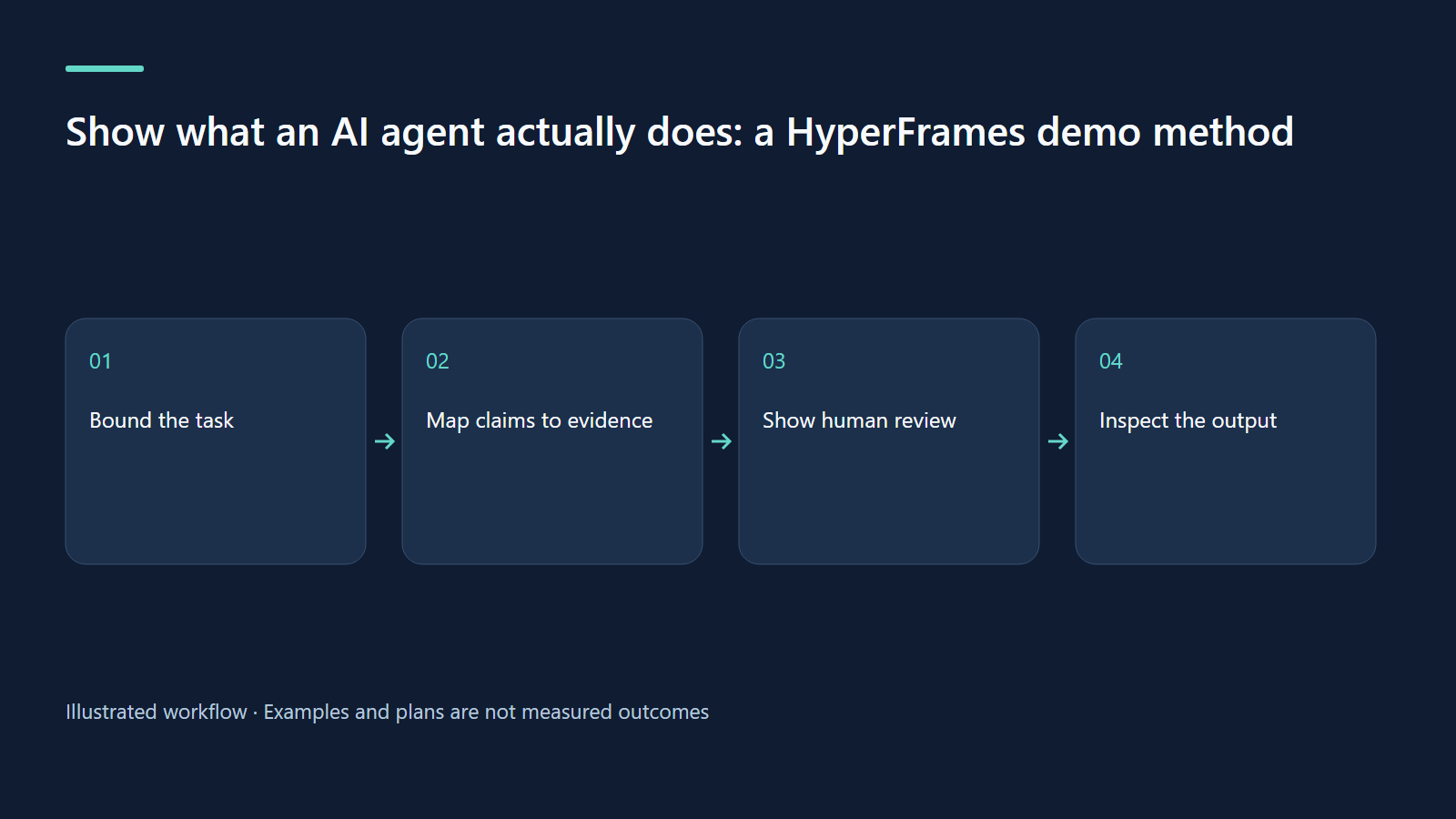
Show what an AI agent actually does: a HyperFrames demo method
Create credible agent demos by showing inputs, human decisions, execution and inspectable outputs.
Read more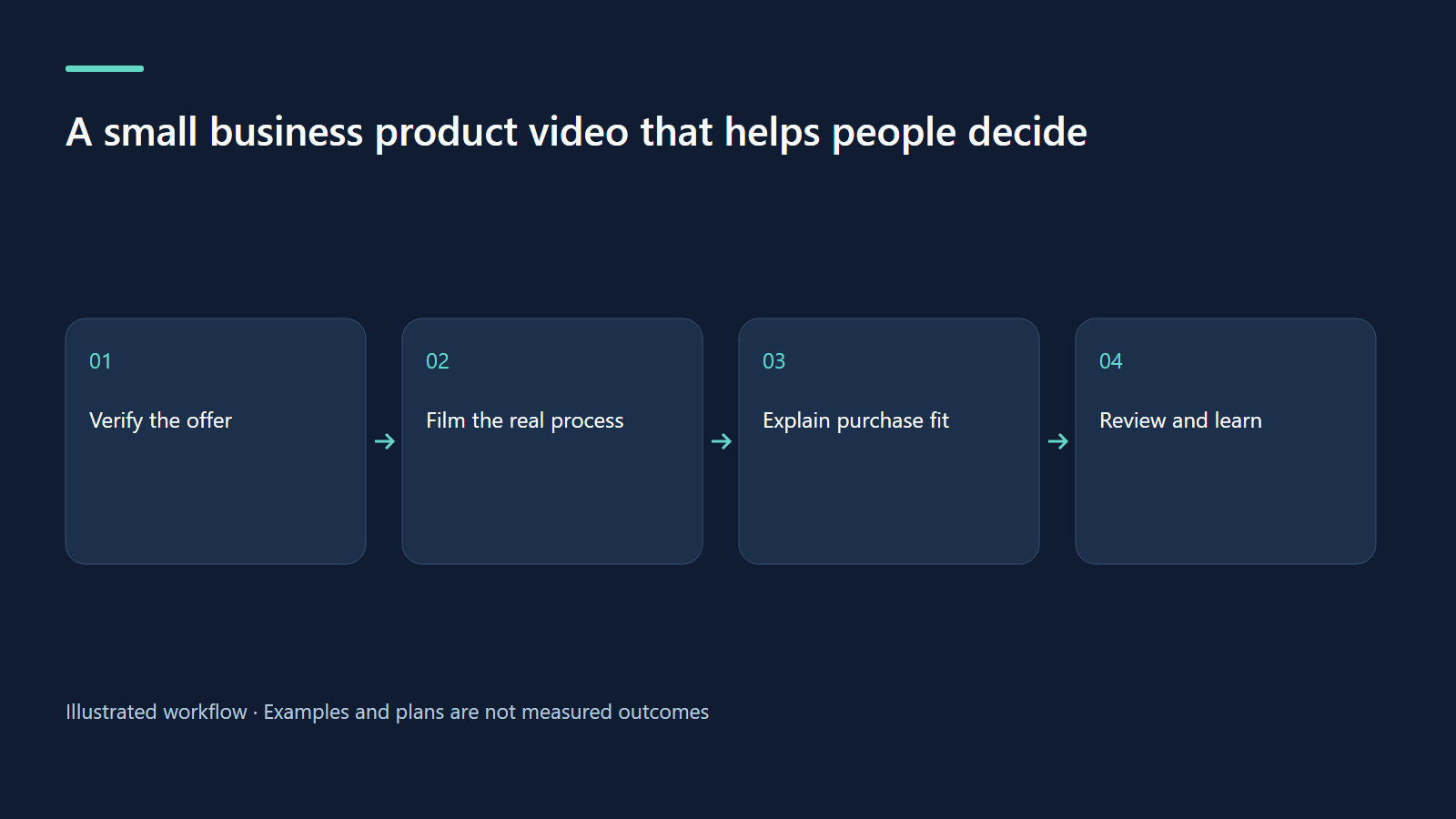
· 7 min read
HyperFrames
A small business product video that helps people decide
Use a home-coffee-kit scenario to build an honest product video around fit, evidence and purchase questions.
Read more
· 7 min read
HyperFrames
HyperFrames for bilingual learning: small lessons children can actually use
Plan a calm EN/VI lesson with practice pauses, independent language QA, and family privacy.
Read more
Discussion
Comments are reviewed before publication. Your email is kept private.